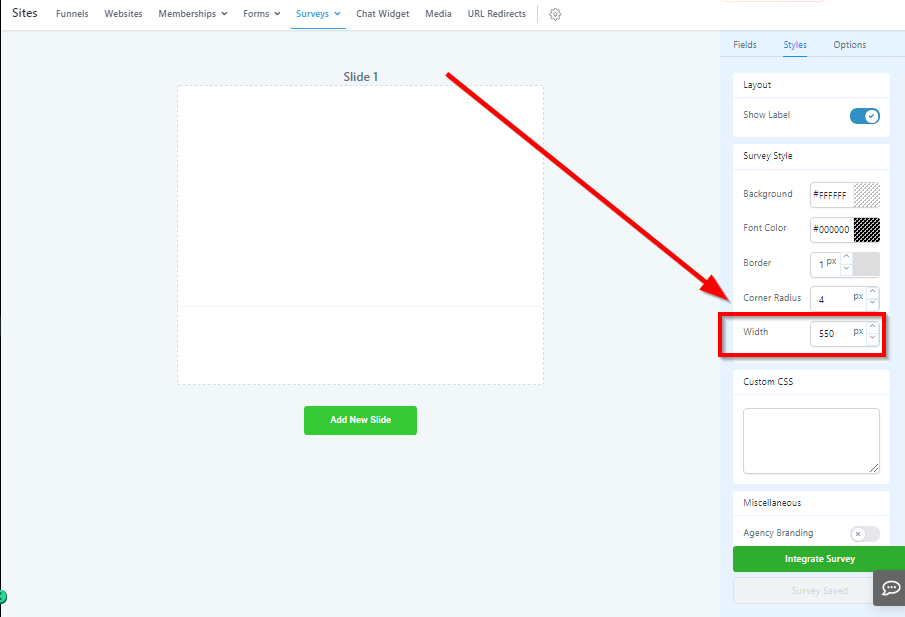
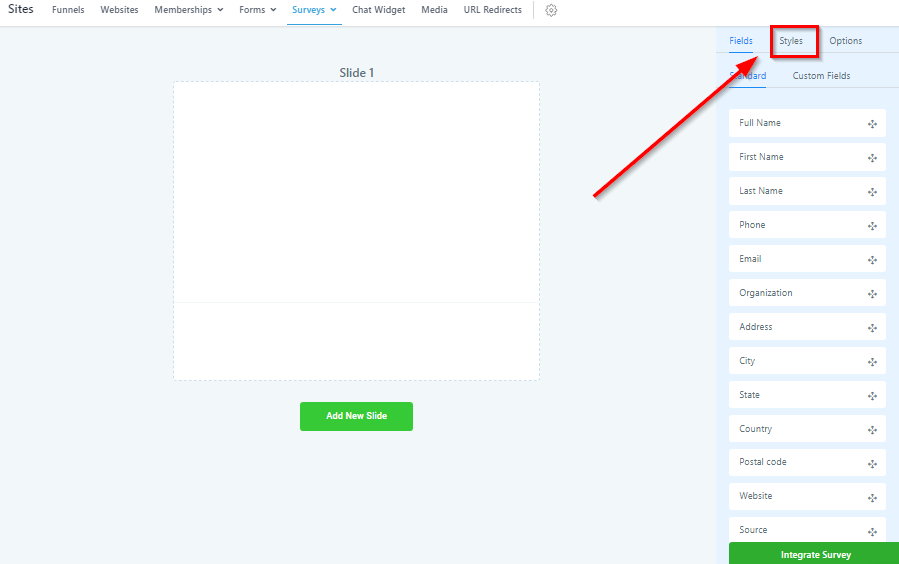
Styles tab
Use the styles tab to change the look and feel of your survey.
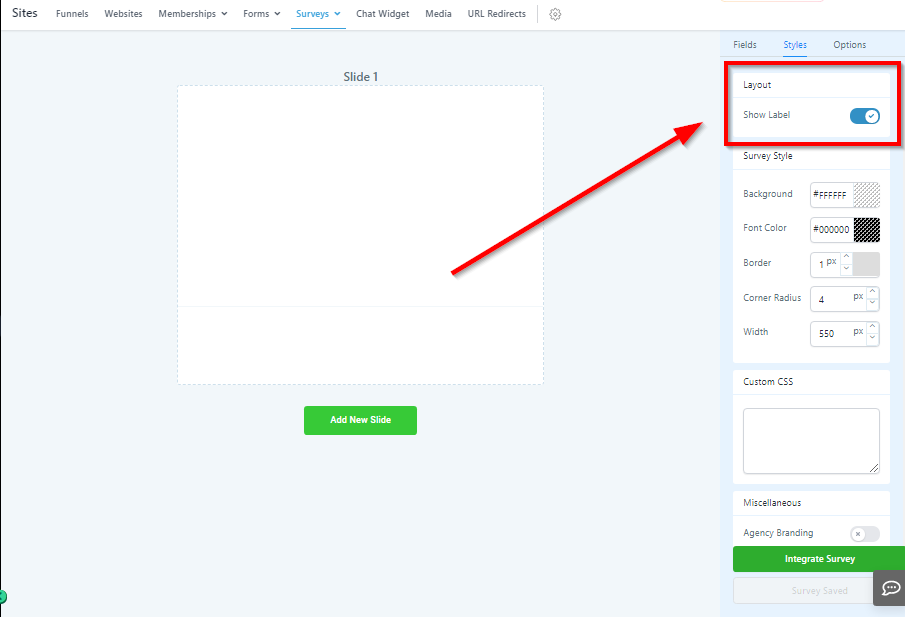
Layout Settings
Here you will find your survey layout settings.
Inline Survey: Inline surveys give you the ability to put form inputs side by side instead of all inputs being below one another.
Show Label
If you do not want to show the input field label, you can turn it off here.
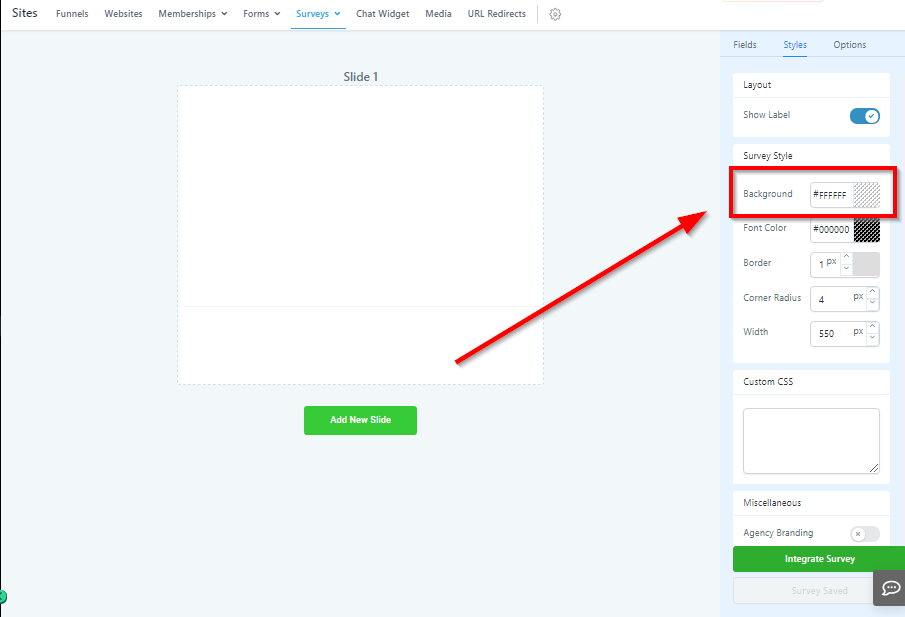
Background Color
Change the background color of your survey.
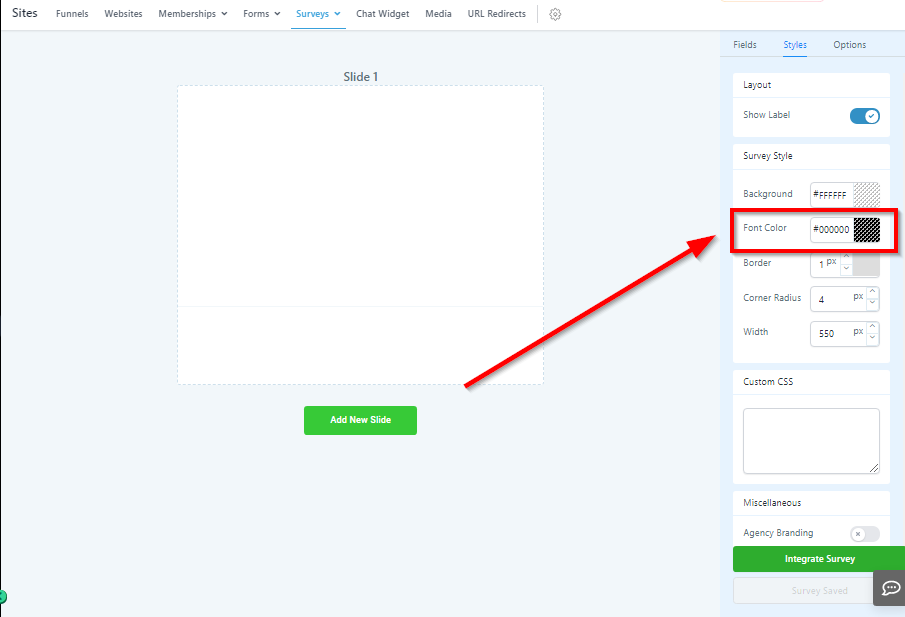
Font Color
Change the font color of your survey.
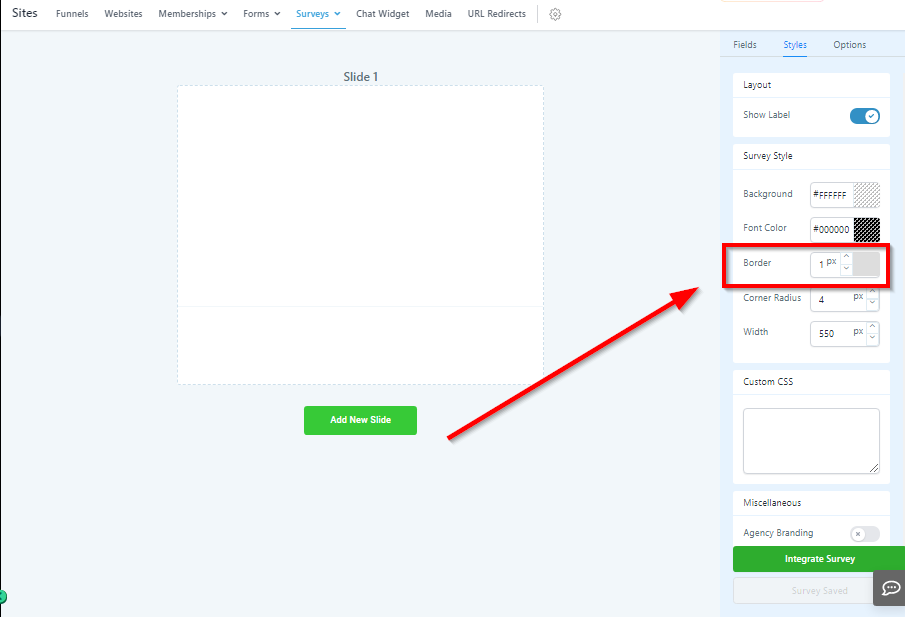
Border
Give your survey a border hereby increasing the width of the border walls
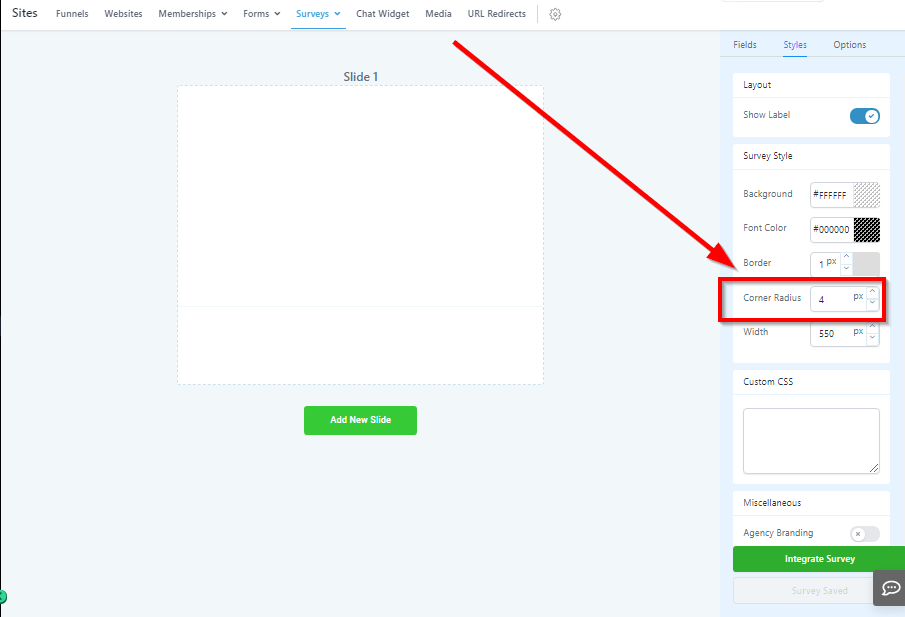
Corner Radius
Corner radius will change the corners of your survey form’s shape and squared off, to rounded.
Survey Width
Change the total width of your survey to better match the page you are embedding into.