URL Redirects
With URL redirects tool, you can redirect traffic from any URL on a GoHighLevel hosted domain to any other URL.

Adding a Redirect
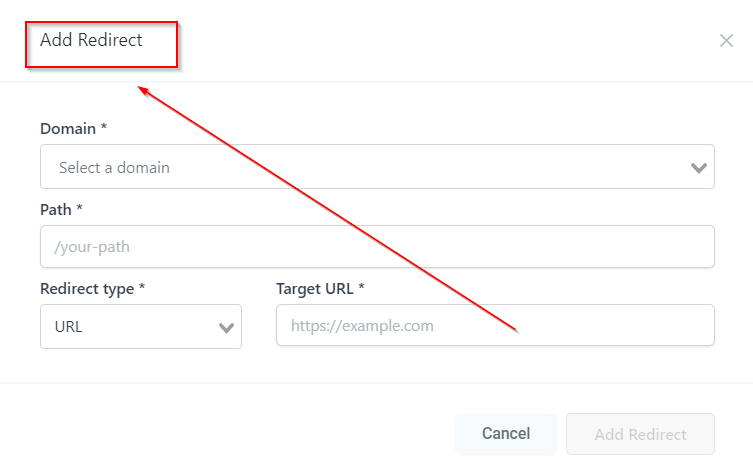
This tab will take you to the “Add Redirect” page where you can setup URL redirection.

Add Redirect
Lets you setup URL redirection.
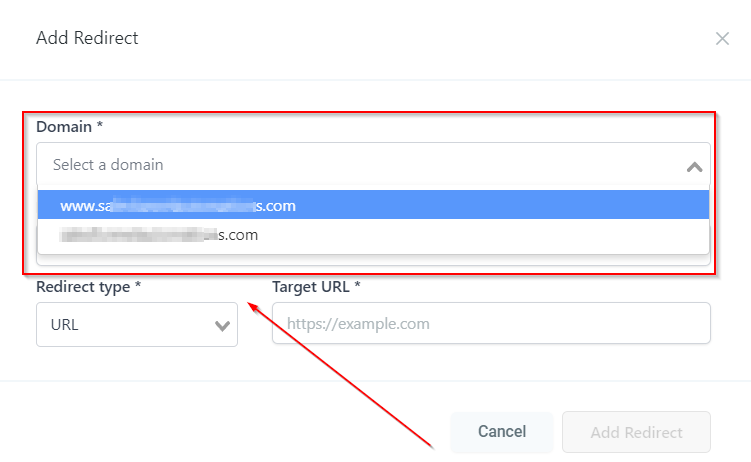
Selecting a Domain
Here you will see the list of domains connected to your CRM location. Select the domain which you want to redirect.
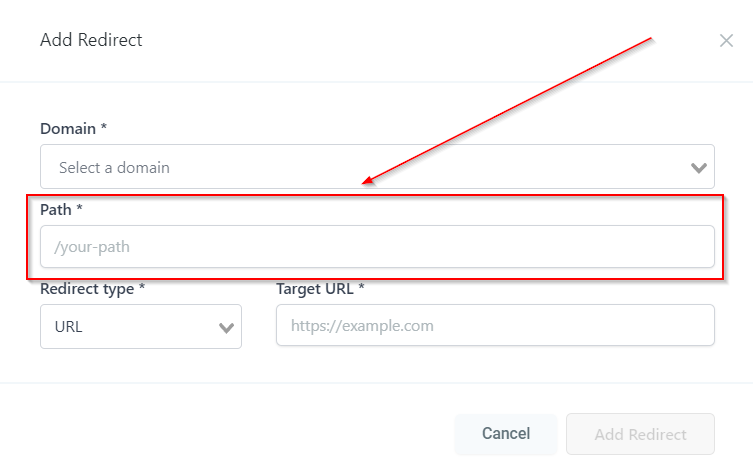
Path
Enter the URL path that you are looking to redirect.
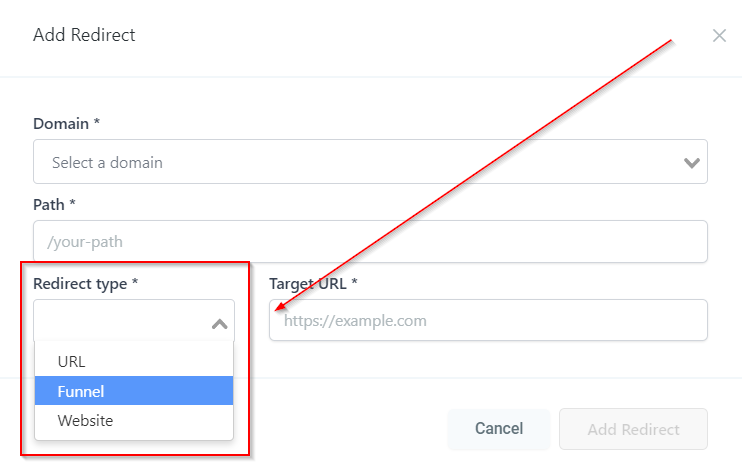
Redirect Type
Here you can select the type of redirect such as Funnel, Website & URL.
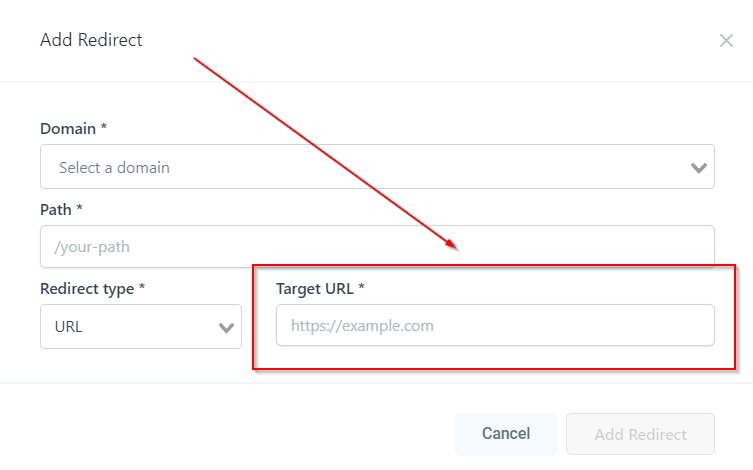
Target URL
Enter the URL where you would like the existing domain’s URL redirected.