
Domains
Connecting Domains
In this section, you can connect your website domains to your CRM which will give you the ability to build and manage your website directly inside your CRM!
We strongly advise that you speak to your CRM administrator or a web developer before performing these actions.
NOTE: Depending on your user permissions, you may not have access to all of the components.
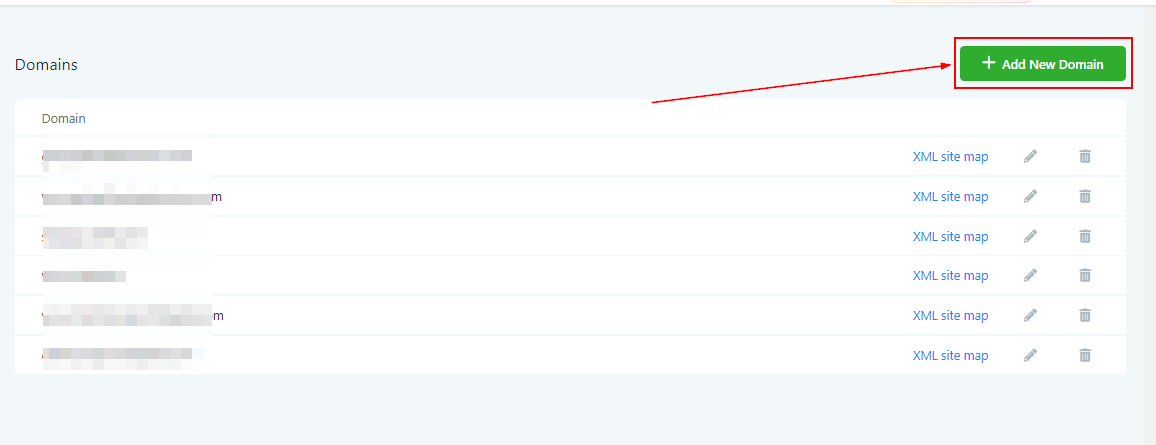
Add New Domain
To add a new domain to your CRM, click this button.
Adding Your Domain
You can ONLY add an already purchased domain to your CRM. If you have not yet purchased a domain, you will need to go purchase one from your web hosting service.
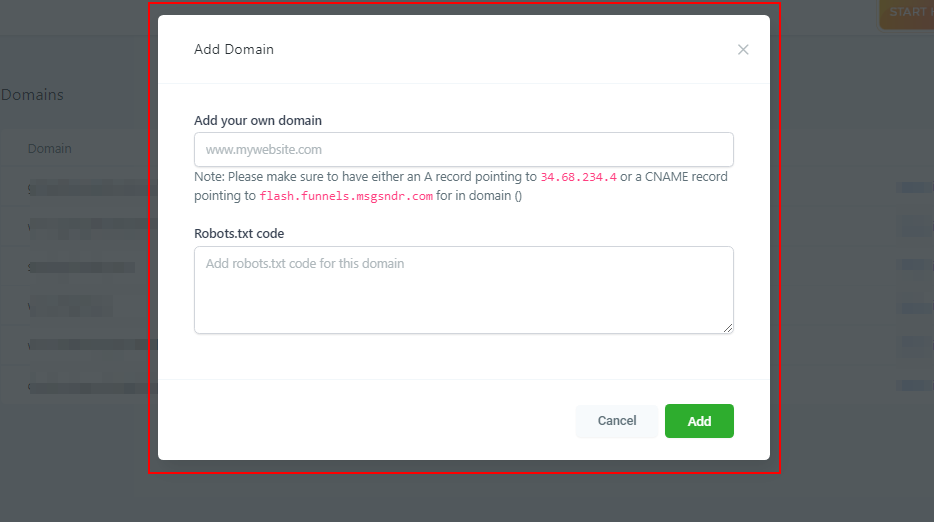
Enter Domain Here
Once you have your domain, you can add it here.
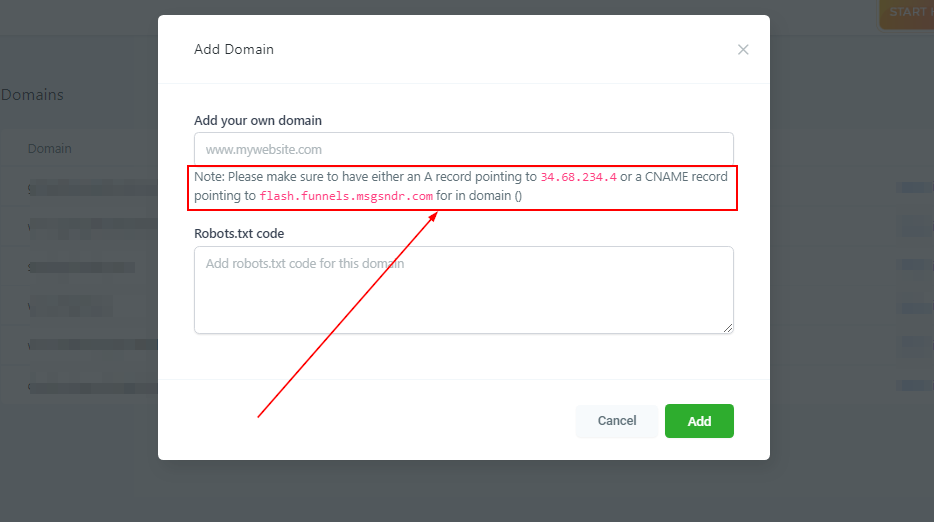
Adding DNS Records
INCREDIBLY IMPORTANT!
If you have never changed or added DNS records, contact your CRM admin or a web developer to do this for you.
You will need to log into your web hosting service and change your DNS records to match what you see here.
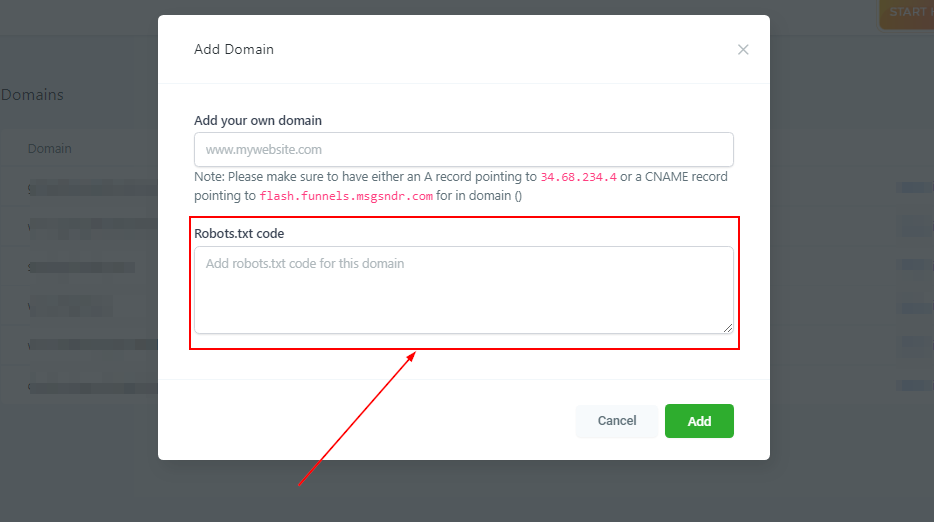
Robots.txt
This is not required, but if you have robots.txt code that you want to add to this domain, you can do so here.
Robots.txt is a text file webmasters create to instruct web robots (typically search engine robots) how to crawl pages on their website.
Save and Apply Changes
Make sure to select the “Add” button when you are finished.