Team Management
Here’s an overview of the team management settings in your account settings management area. In this section, you can add or remove users from your account.
NOTE: Depending on your user permissions, you may not have access to all of the components.
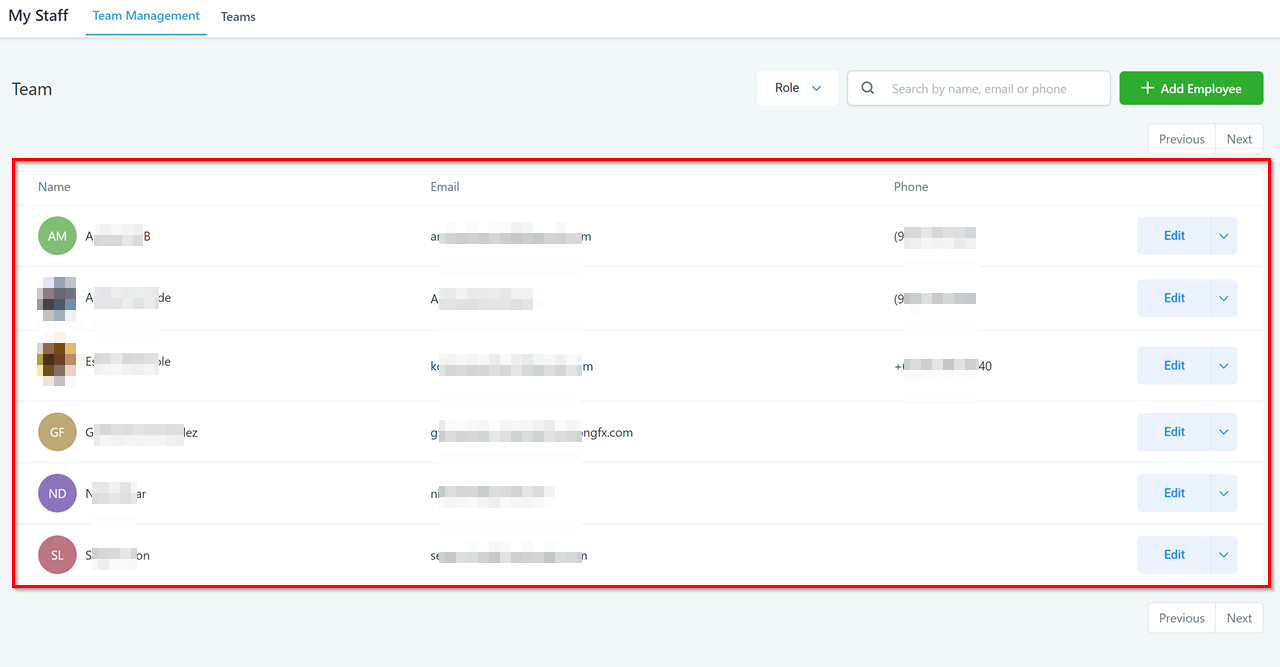
Team Members List
In this area, you will see all the team members associated with your account.
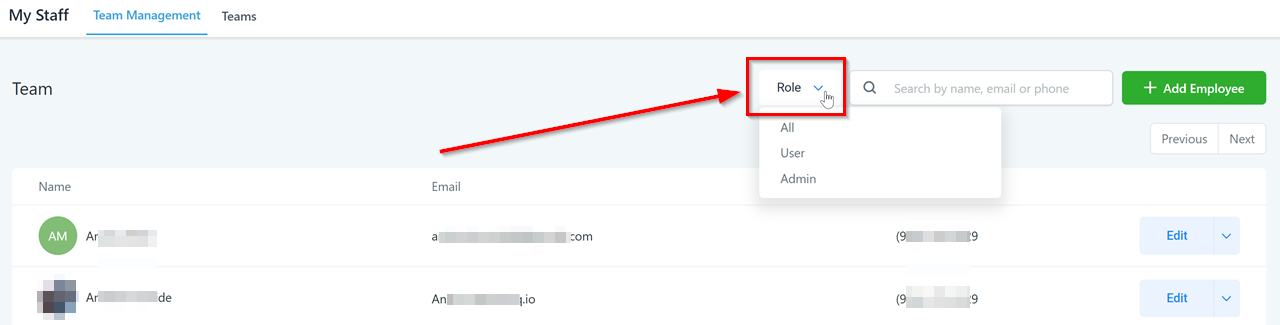
Filter Users
Filter your user list by roles.
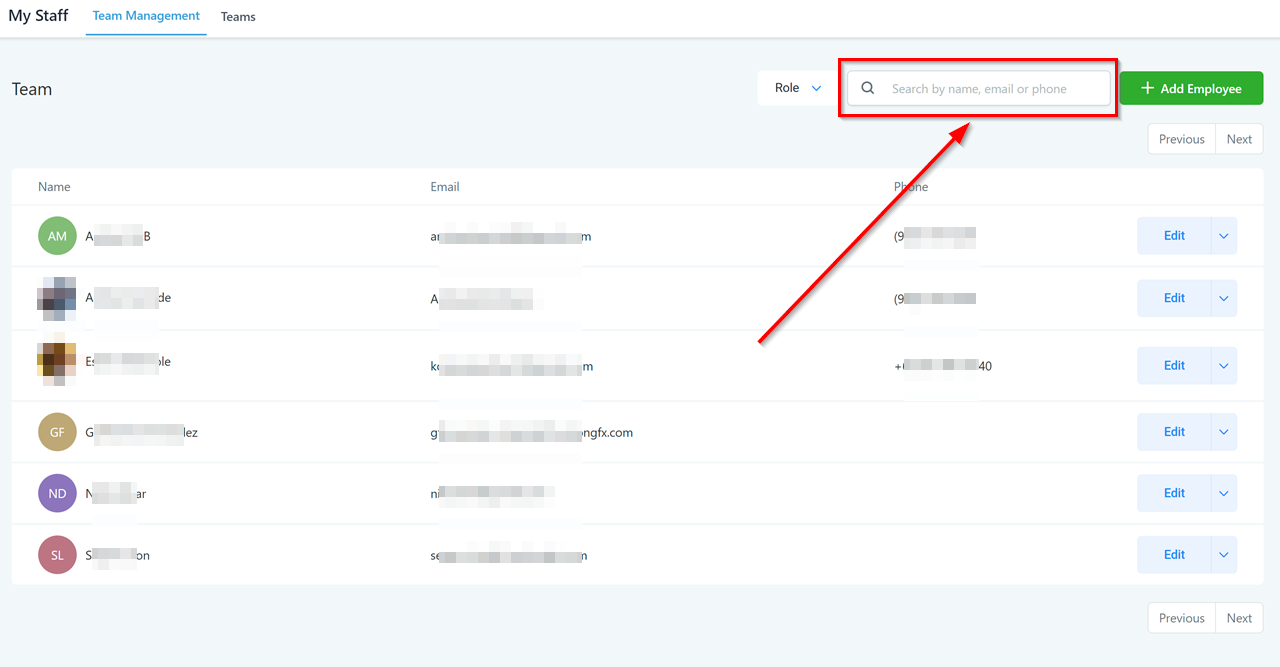
Search Bar
Search for users by name, email, or phone number.
Edit Team Members
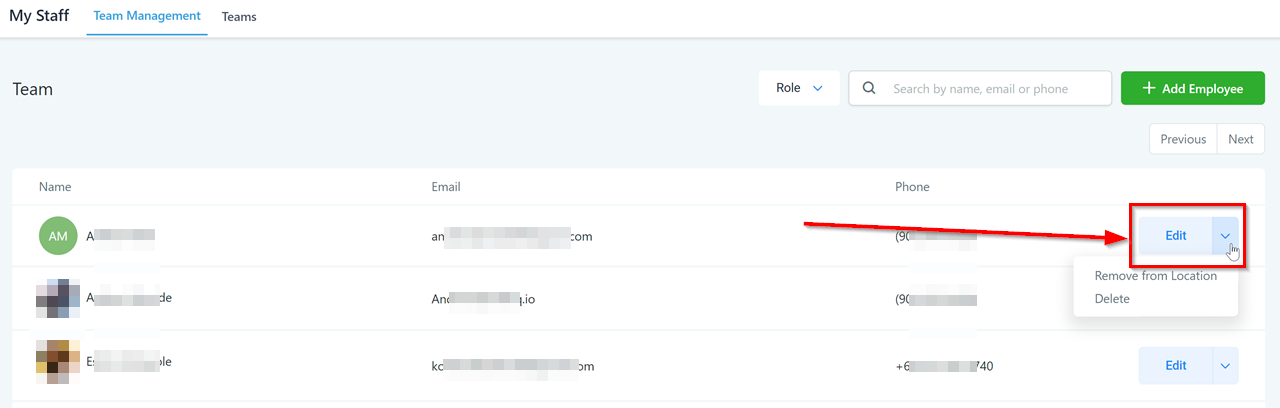
Click here to edit team members’ information. You can also remove a team member from this location/sub-account, or delete the team member.
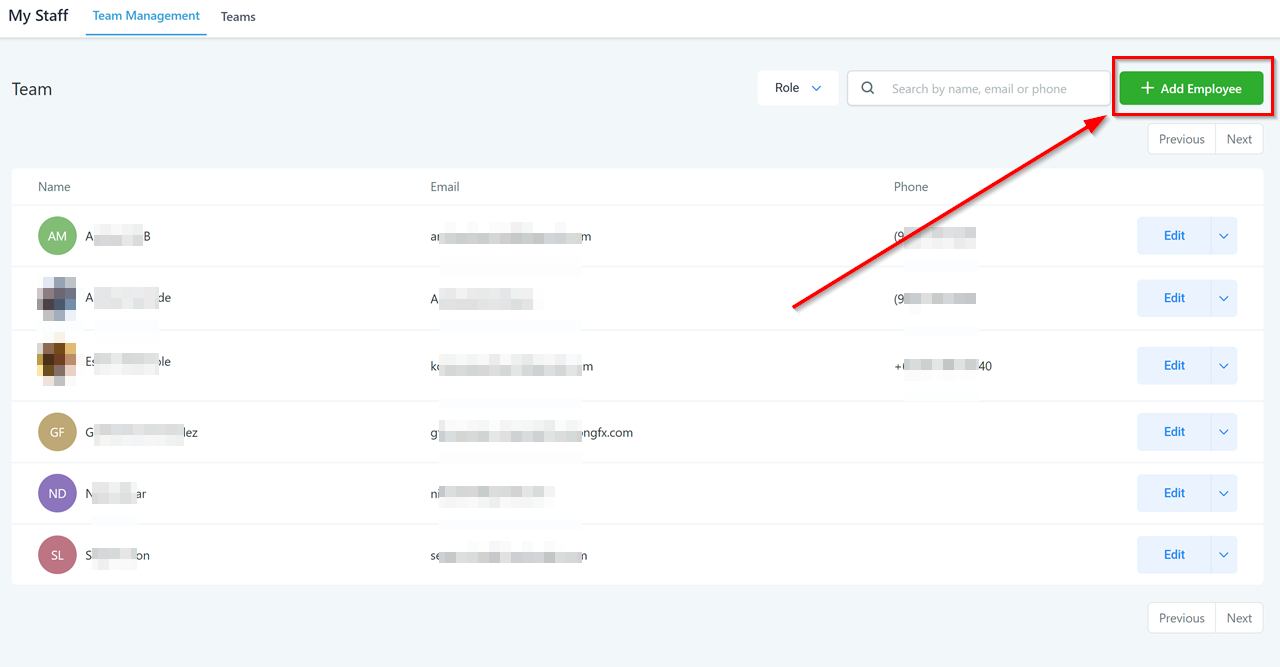
Add New Users
Click here to add new team members.
Edit User Information
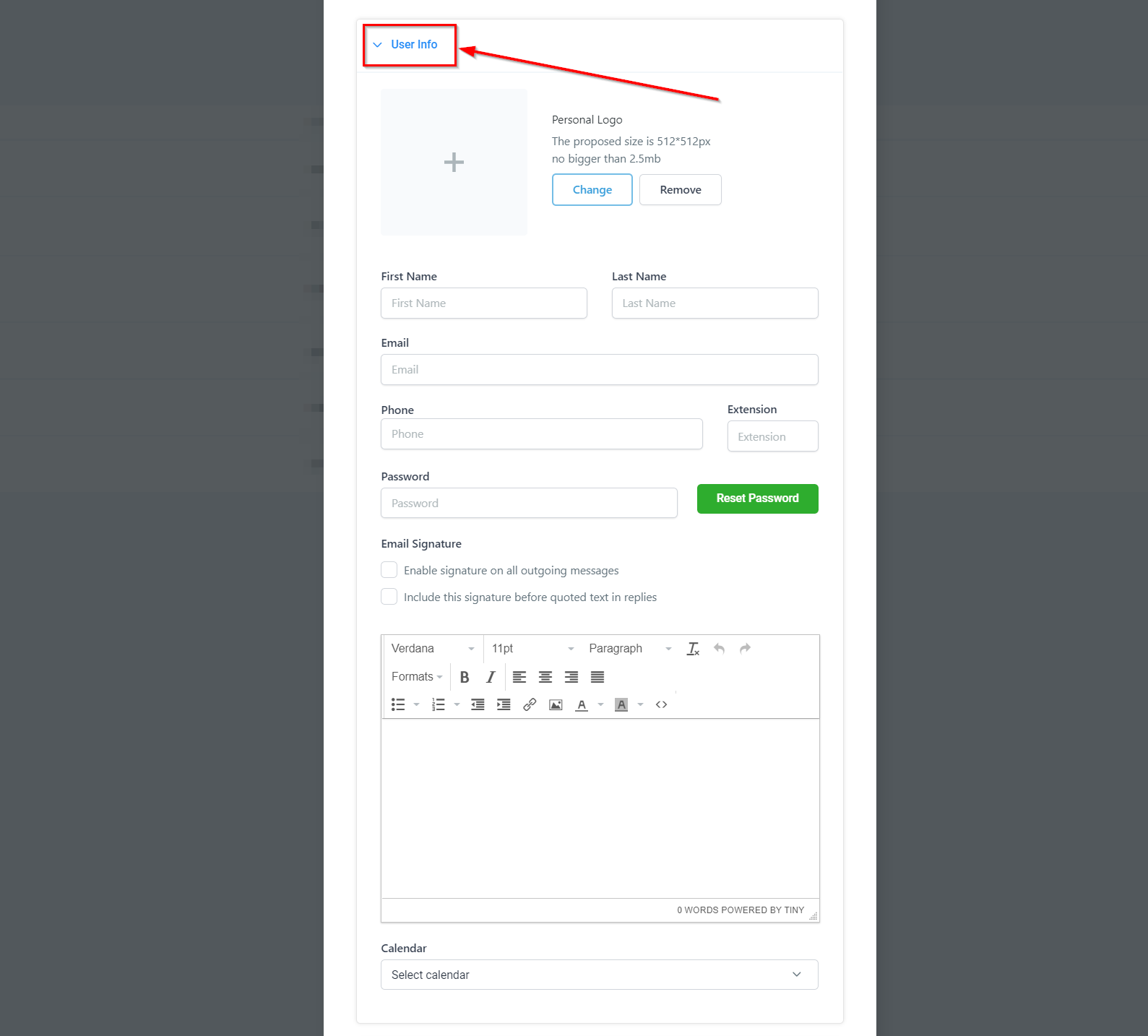
You can add a personal logo for each user too. For each employee, fill out their basic information: Name, email, and phone number. You can also add phone extensions here.
-
You can set and reset passwords for each user here too.
-
You can establish an email signature for each user, which can be helpful for the campaigns they are assigned to.
-
You can also assign a specific calendar to the user.