
Custom Fields
Custom fields are used to capture any information you would like to collect from a customer through your surveys or forms.
Organizing Custom Fields
In this section, you are able to create custom fields. Custom fields are used in forms and surveys to capture data and information that is outside the scope of normal questions like “Name, Email, and Phone Number”.
NOTE: Depending on your user permissions, you may not have access to all of the components
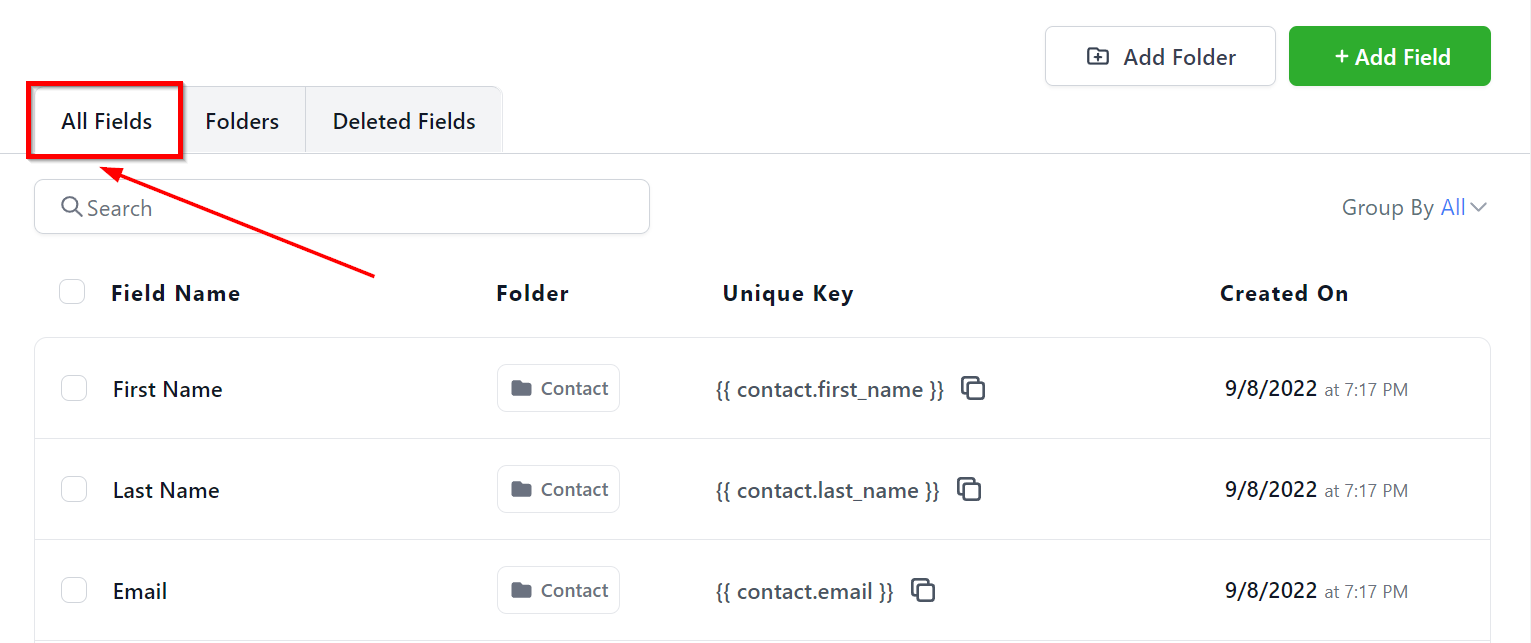
All Fields
Here you will see all of the custom fields you have created in your CRM and more information about each custom field.
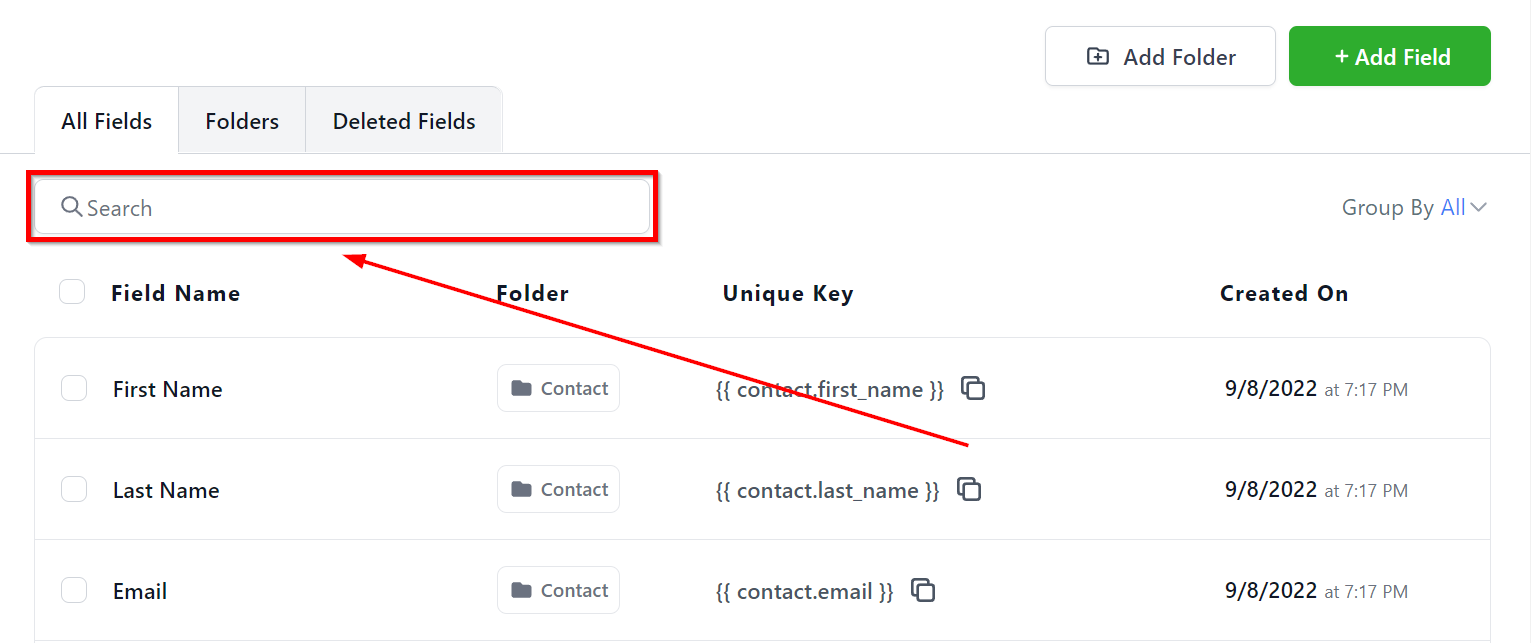
You can use this search bar to quickly locate your desired custom field instead of going through the entire list.
Group Filter
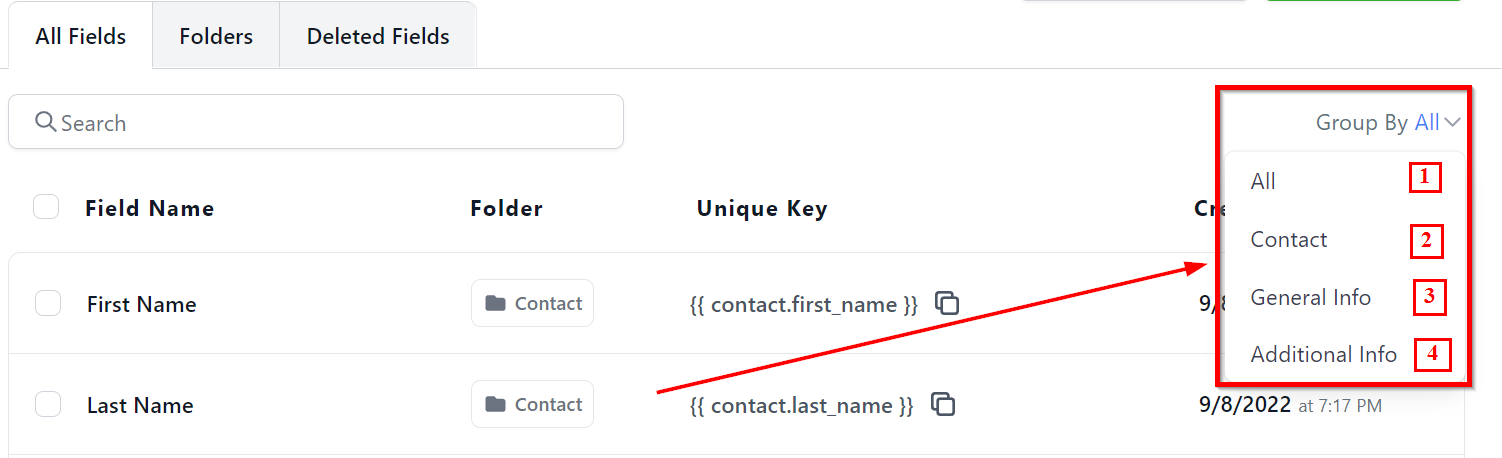
With group filter tab, you can decide how you would like the system to display the custom fields. Lets cover each filter one by one.
-
1.All – This will show all of the custom fields from all groups.
-
2.Contact – This filter when selected will show the custom fields created for Contacts.
-
3.General Info – This filter when selected will show the custom fields created for General Info.
-
4.Additional Info – This filter when selected will show the custom fields created for Additional Info.
Field Actions
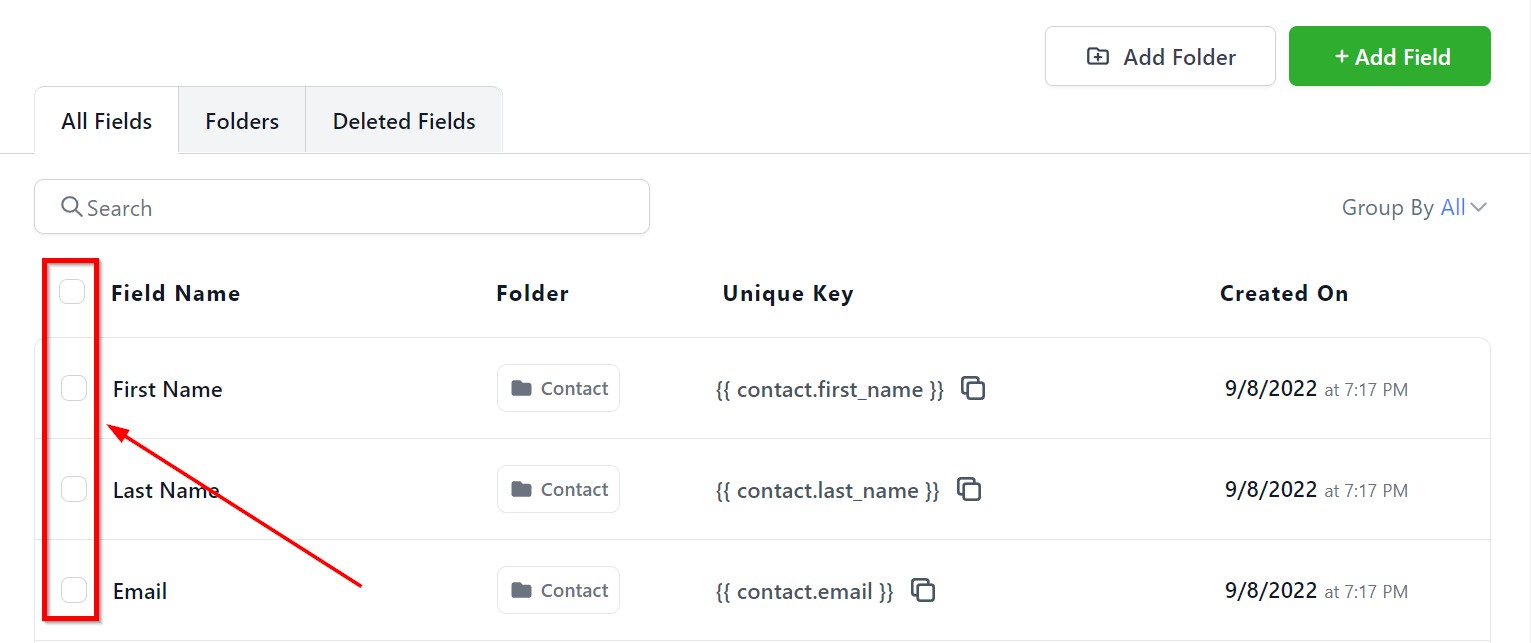
This checkbox will allow you to select one or more custom fields for you to be able to perform different actions. You can select multiple custom fields if you have to perform specific action for multiple custom fields.
1. Edit – Click this icon to edit an already existing custom field.
2. Delete – To delete a custom field, click this icon. Once you delete a custom field, it is permanently deleted.