
- Feature 1 - Bulk Add Tags to Selected Contacts
- Feature 2 - Bulk Remove Tags to Selected Contacts
- Feature 3 - Restore Removed Tags
These features provide enhanced control over bulk actions for tags, allowing for more efficient management of contacts. You can easily, add selected tags, remove selected/all tags from selected contacts and restore them when needed.
This feature is currently live via Labs.
IN THIS ARTICLE
Bulk Actions can be hidden or shown to certain users from User Permissions.
Feature 1 – Bulk Add Tags to Selected Contacts
You can select multiple contacts and add tags using a bulk action.
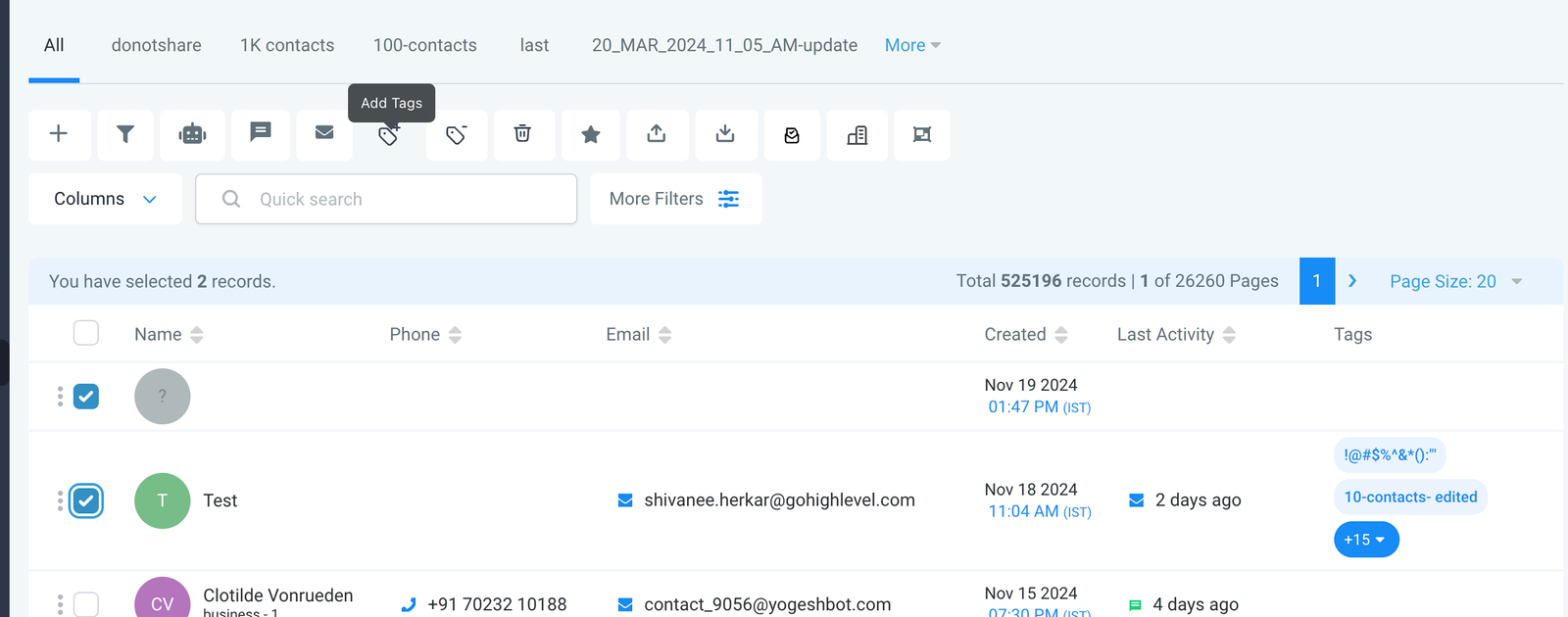
How to:Step 1: Select a few contacts
Step 2: Click on “Add Tag” bulk action
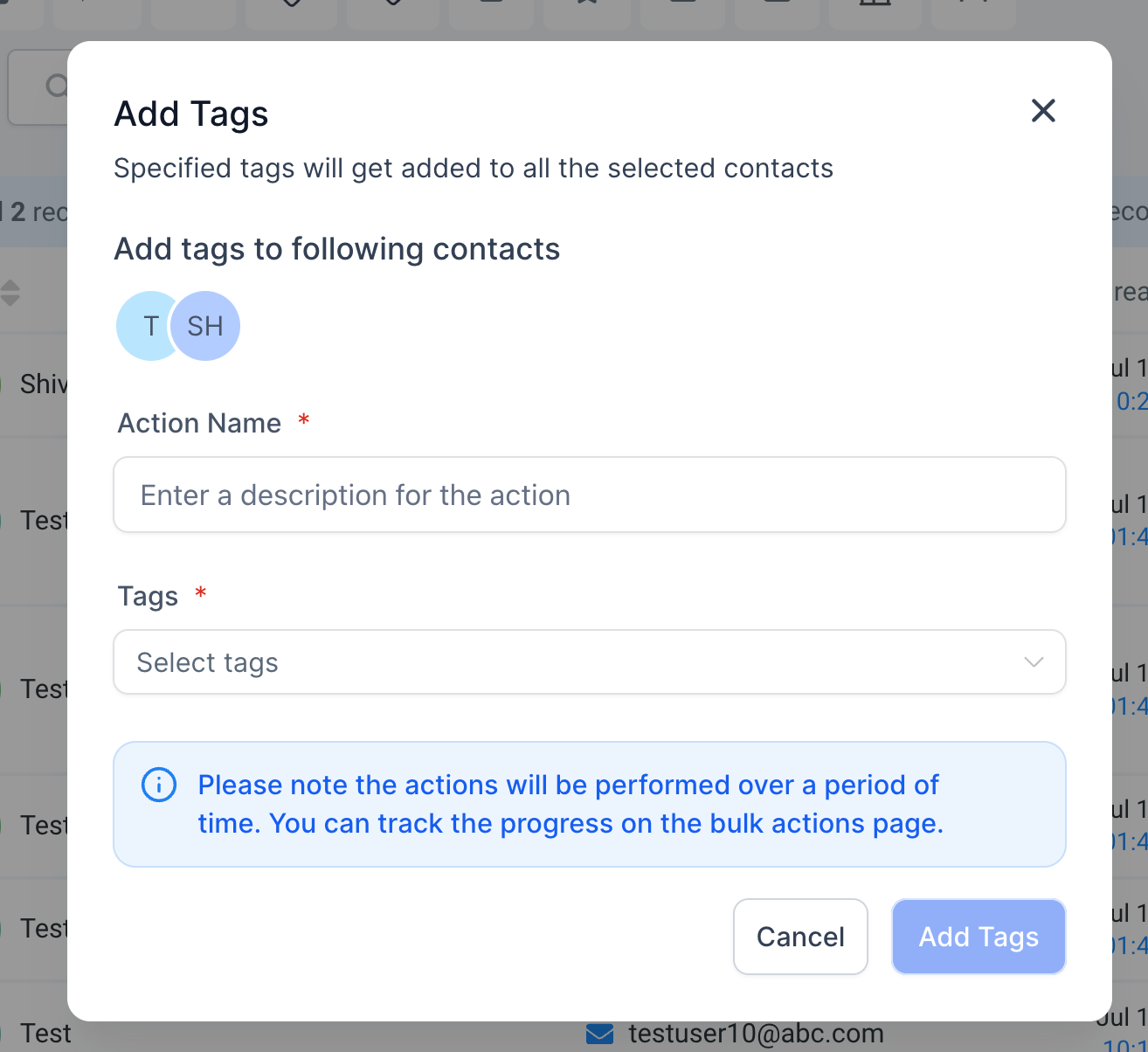
Step 3: Name the action and select which tags should be added to these contacts; then “Add Tags”
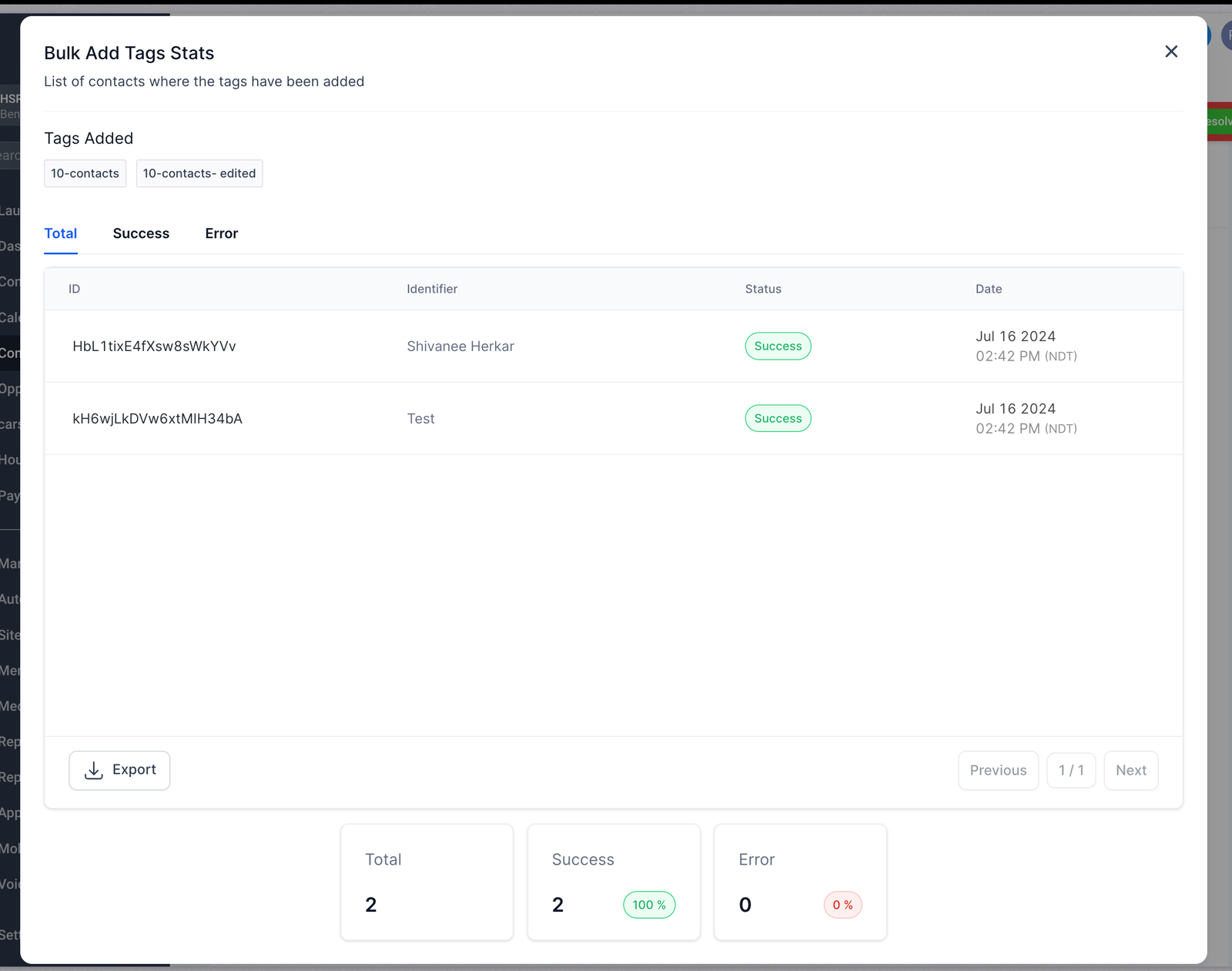
Step 4: Check the progress by clicking on the success percentages.
Feature 2 – Bulk Remove Tags to Selected Contacts
You can select multiple contacts and remove tags using a bulk action.How to:
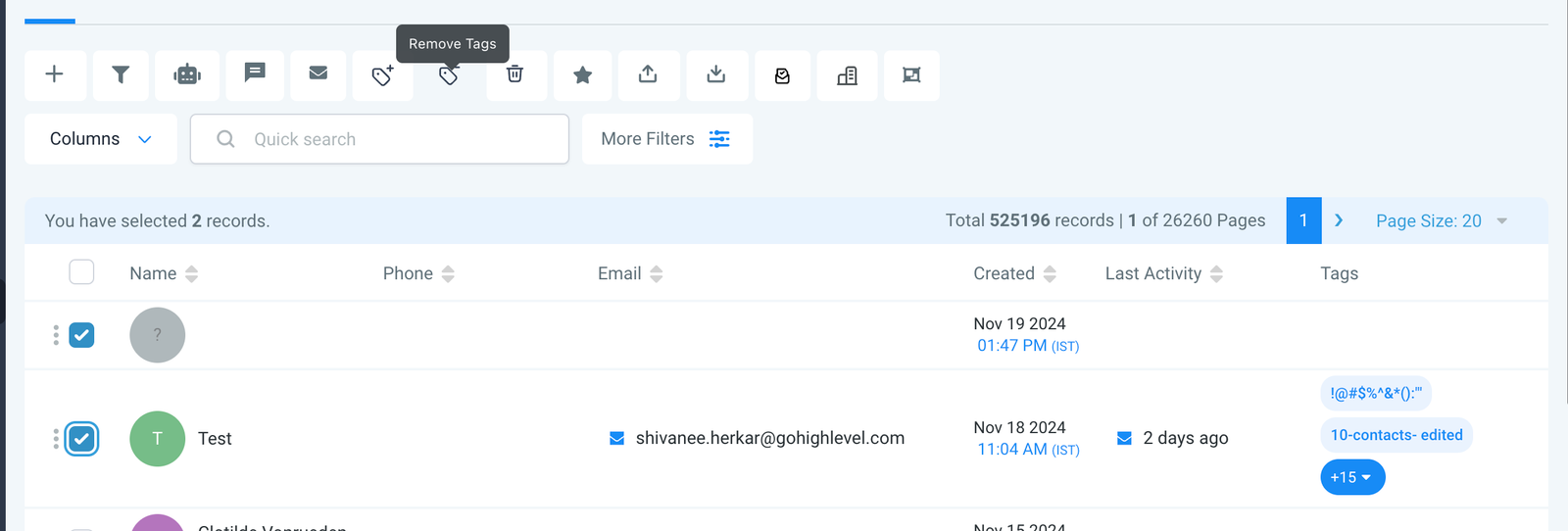
Step 1: Select a few contacts
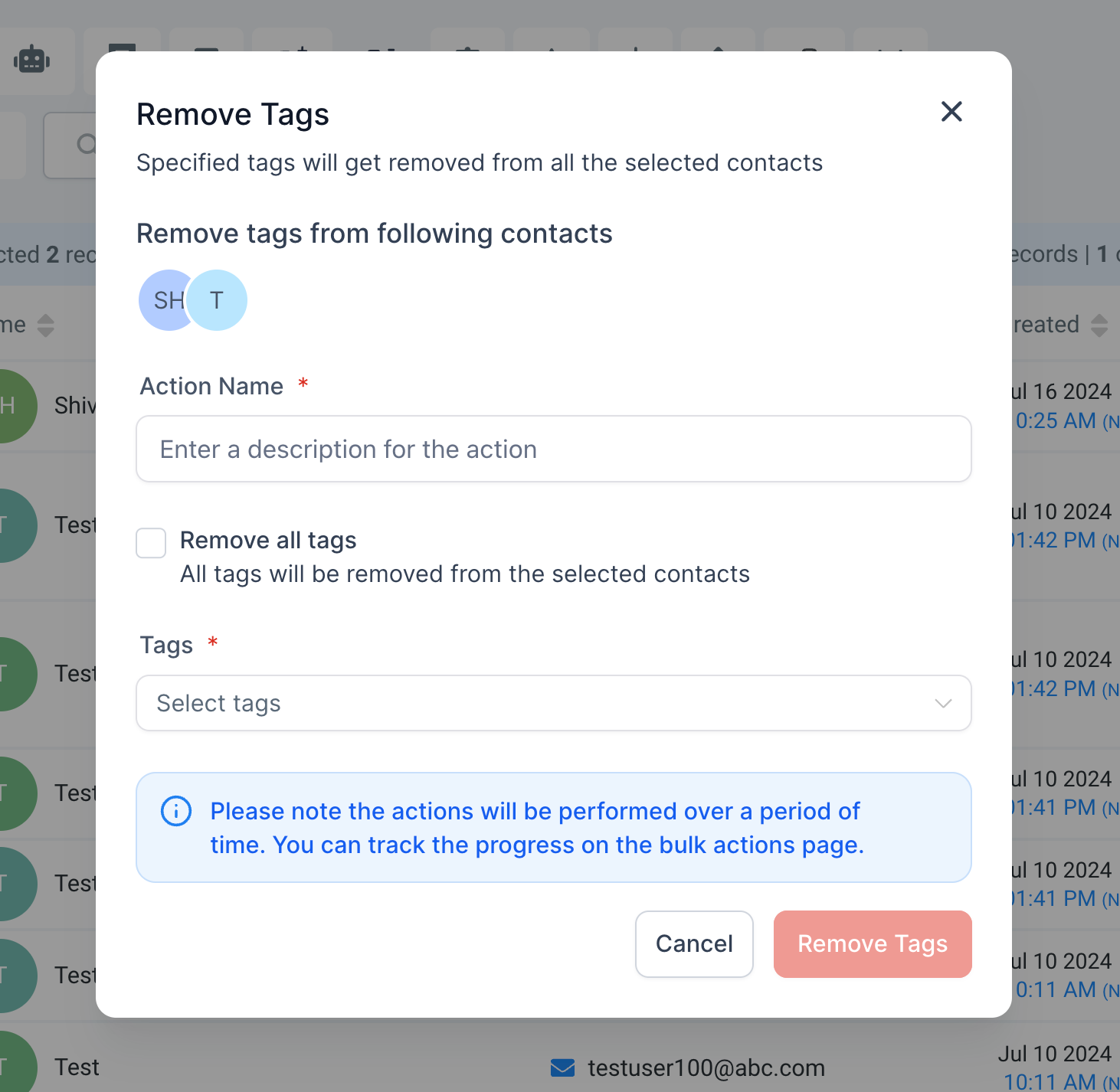
Step 2: Click on “Remove Tag” bulk action
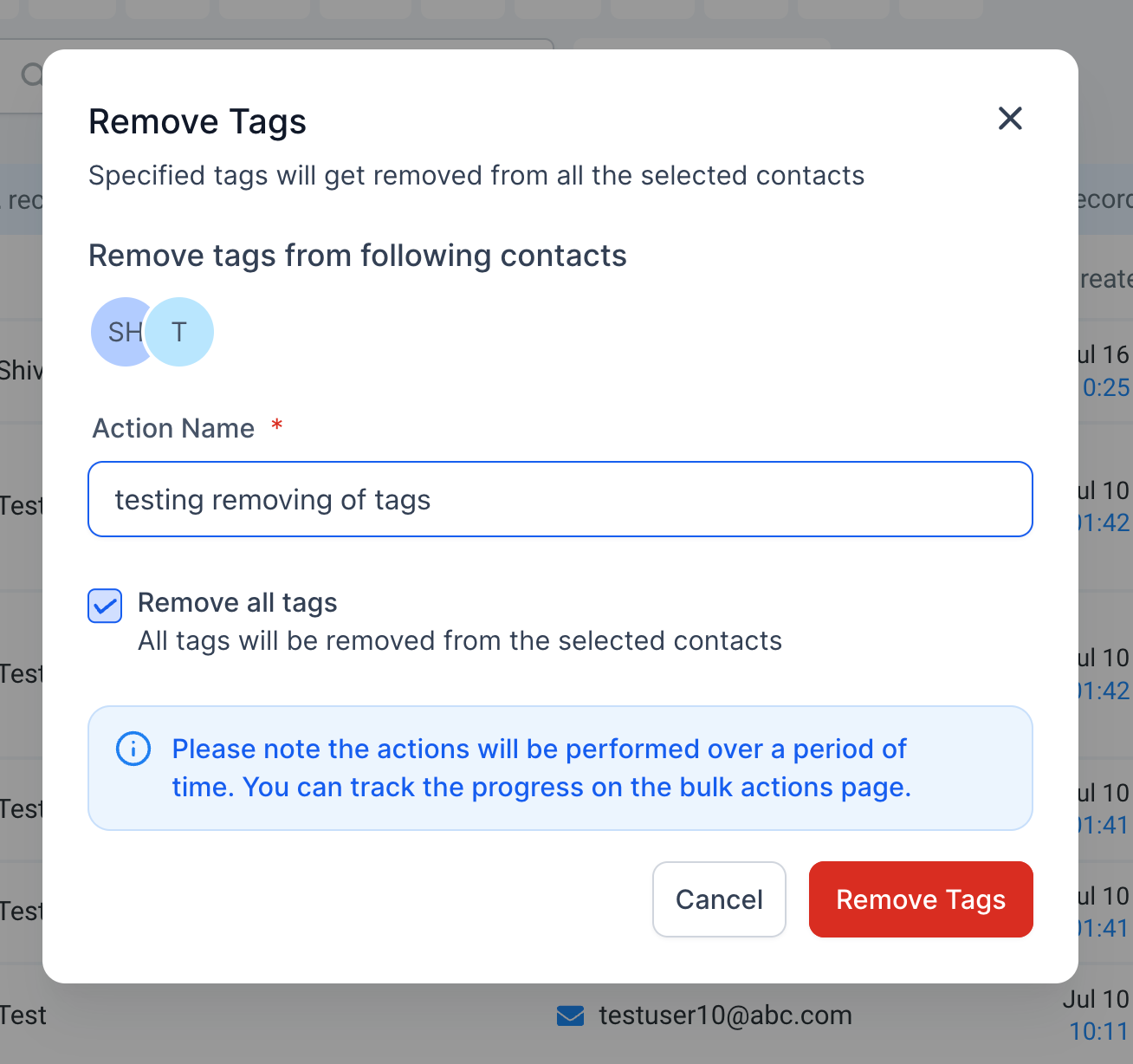
Step 3: Name the action and select which tags should be removed to these contacts; or option to remove all tags.
Step 4: Click on “Remove Tags”
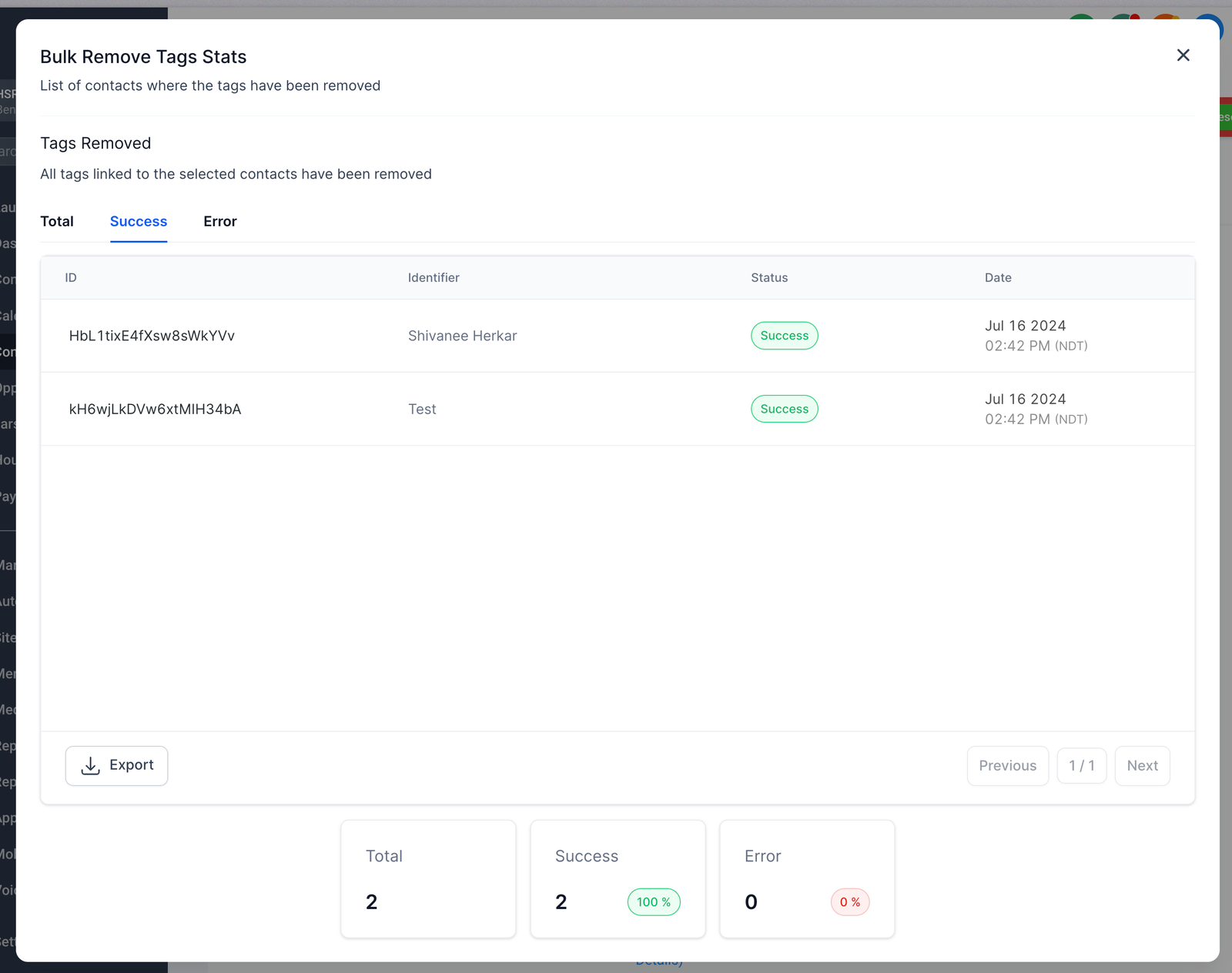
Step 5: Check the progress by clicking on the success percentages.
Feature 3 – Restore Removed Tags
You can now restore removed tags now.How to:
Step 1: Go to Bulk Actions page and click on the kebab menu (3 dots menu) on the right
Step 2: Click on Restore and this will start the restore process
Step 3: The new action would start appearing in the bulk actions page as a new action

Popular Search
automationdashboardcalendaraffcustom
Bulk Add and Remove Tags from Contacts
1 min read
Table of Contents


