
Get your Blog Post from any place inside Sites > Blogs, It is seamless migration of blog post importer if the sitemap is publicly exposed. Use the Blog importer to import all the blog post and its content, category and author.
Key Features:
1. Easy 3-Step Process – Add the blog URL and recent blog post URL to scan and preview the content.
Note: If the iframe is blocked, the blog post preview will not be displayed but functionality will work.
2. Mapping Breakdown – Map the blog title, category/tag, featured images, published date, content, and author from the preview.
3. Review and publish – your content when you’re ready! 🙂
**Pre-checks:**
Before you begin, ensure the blog has a sitemap for posts.
For example, for a blog at blog.abc.com, check blog.abc.com/sitemap.xml for a sitemap.
**How Does It Work?**
**Step 1: Setup Your Import**
– Go to Sites > Blog
– Click on the blog name
– Navigate to New Post > Import Blog Post
– Enter the blog URL and the last published blog post URL
– Choose where you’re importing from
Tip: After setup, you can revisit to see the “Scan in Progress” status in the “Imported Content” section.
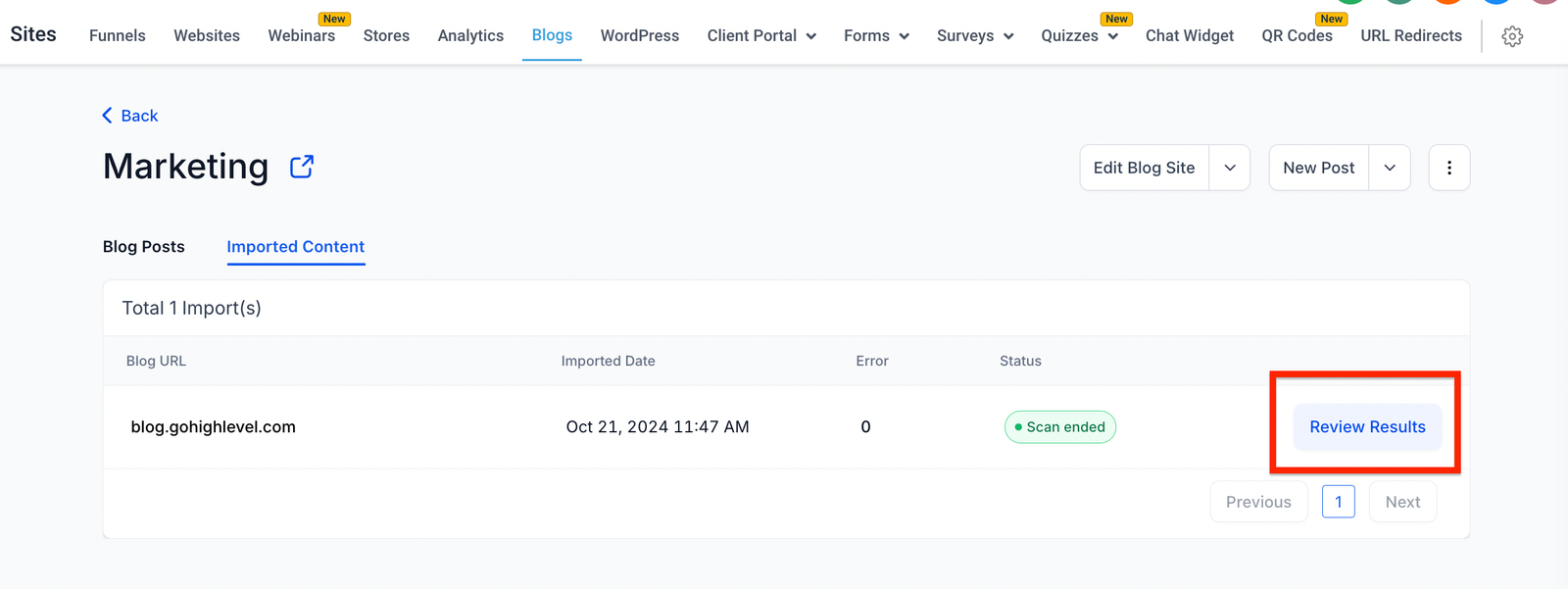
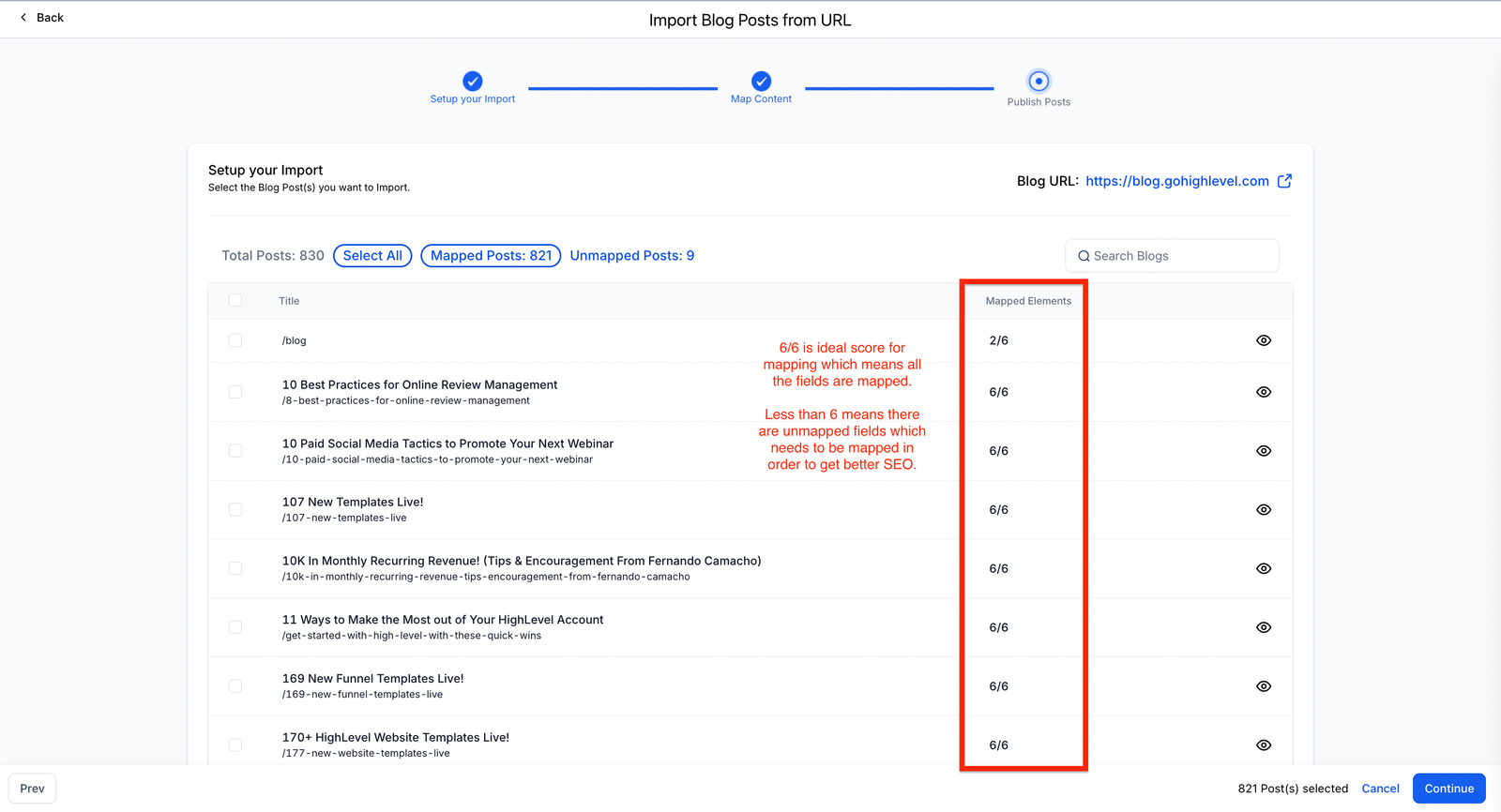
**Step 2: Map Content** – Select the blog title, published date, author name, content, and category/tag
Note: If mapping is incorrect, you can manually select the CSS selector (reference: CSS Selectors).
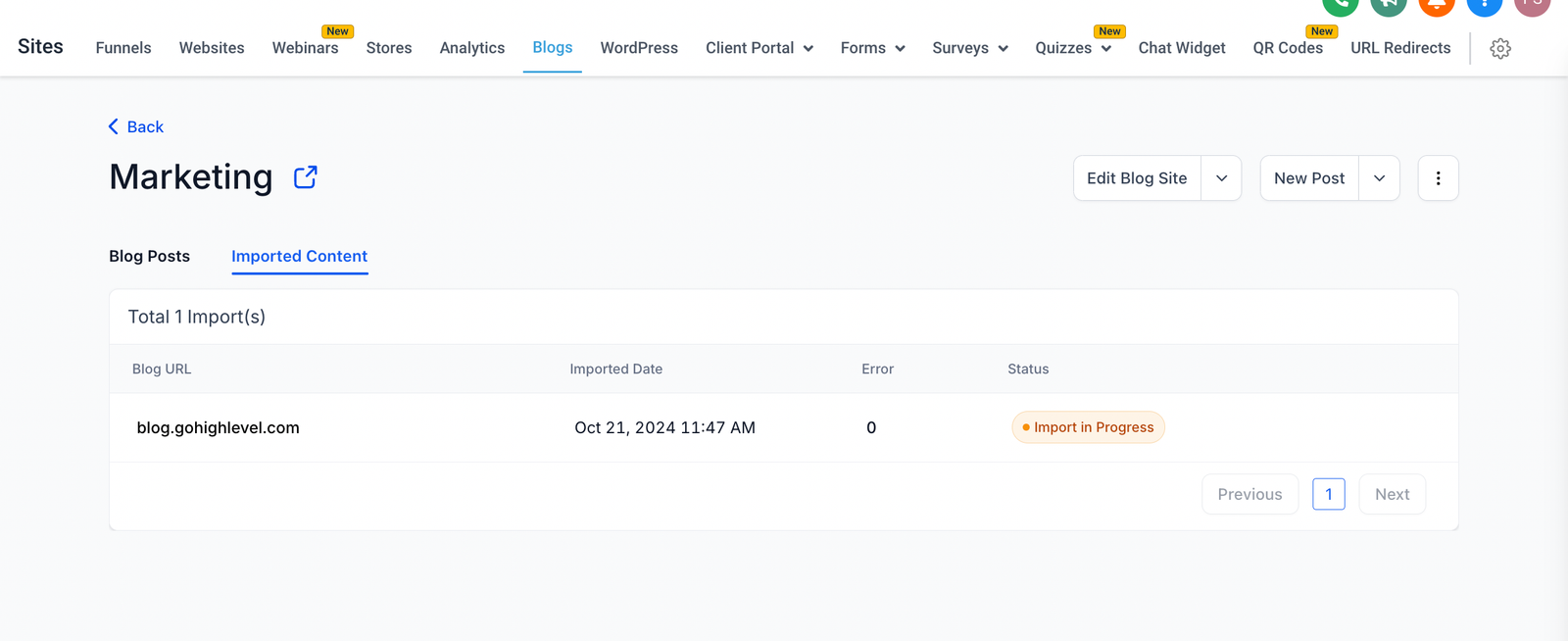
**Step 3: Import Content**
Once the scraping is complete (usually 10-20 minutes for 1,000 posts), you can import each post individually or in bulk. Note: All posts will initially be imported as drafts.
Recommendation:
Preview your blog post before publishing it live.
Note:
We currently support
Platforms supported: hubspot, wordpress
Not supported: Wix, Tempurl.host, medium and few others
FAQ:
Q. I imported my blog site but the blogs are not reflecting and do not show up. Where’s my blog at?
– If the blogsite sitemap doesn’t have a URL, blogs cannot be imported.
– Currently the system shows ‘Scan in progress’ for the interim ‘Failure’ state which upon clicking shows a blank page.


