
Table of Contents
- When to Use Automated Tagging?
- Key Benefits
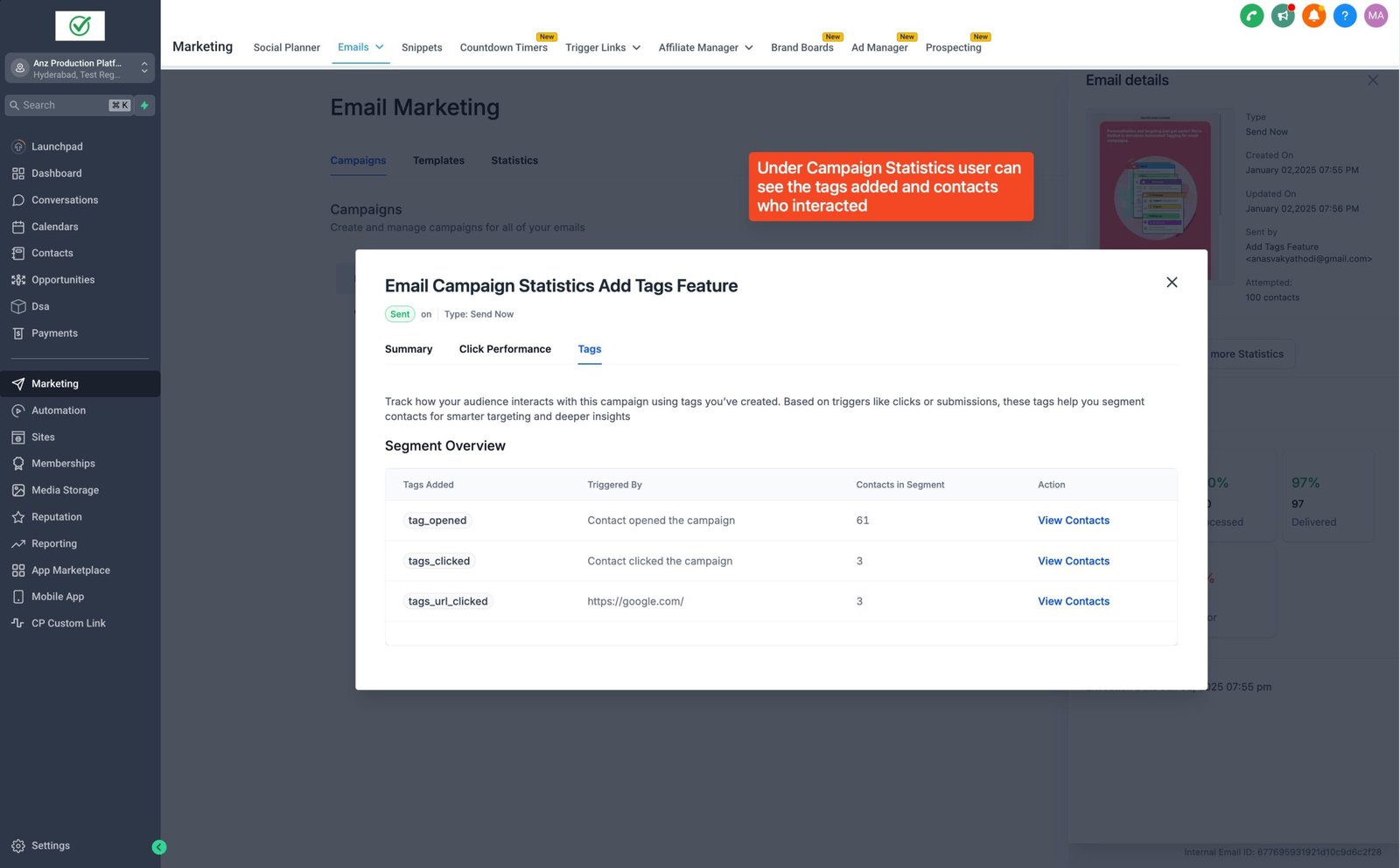
- Personalization: Automatically tag users based on their actions, like clicks or opens, to send targeted follow-up emails that feel relevant.
- Automation: Save time by automatically applying tags, eliminating manual effort and ensuring consistency.
- Simplified Segmentation: Easily group users by their actions (e.g., "Clicked on Course Link") to send more focused, effective messages.
- Limitations
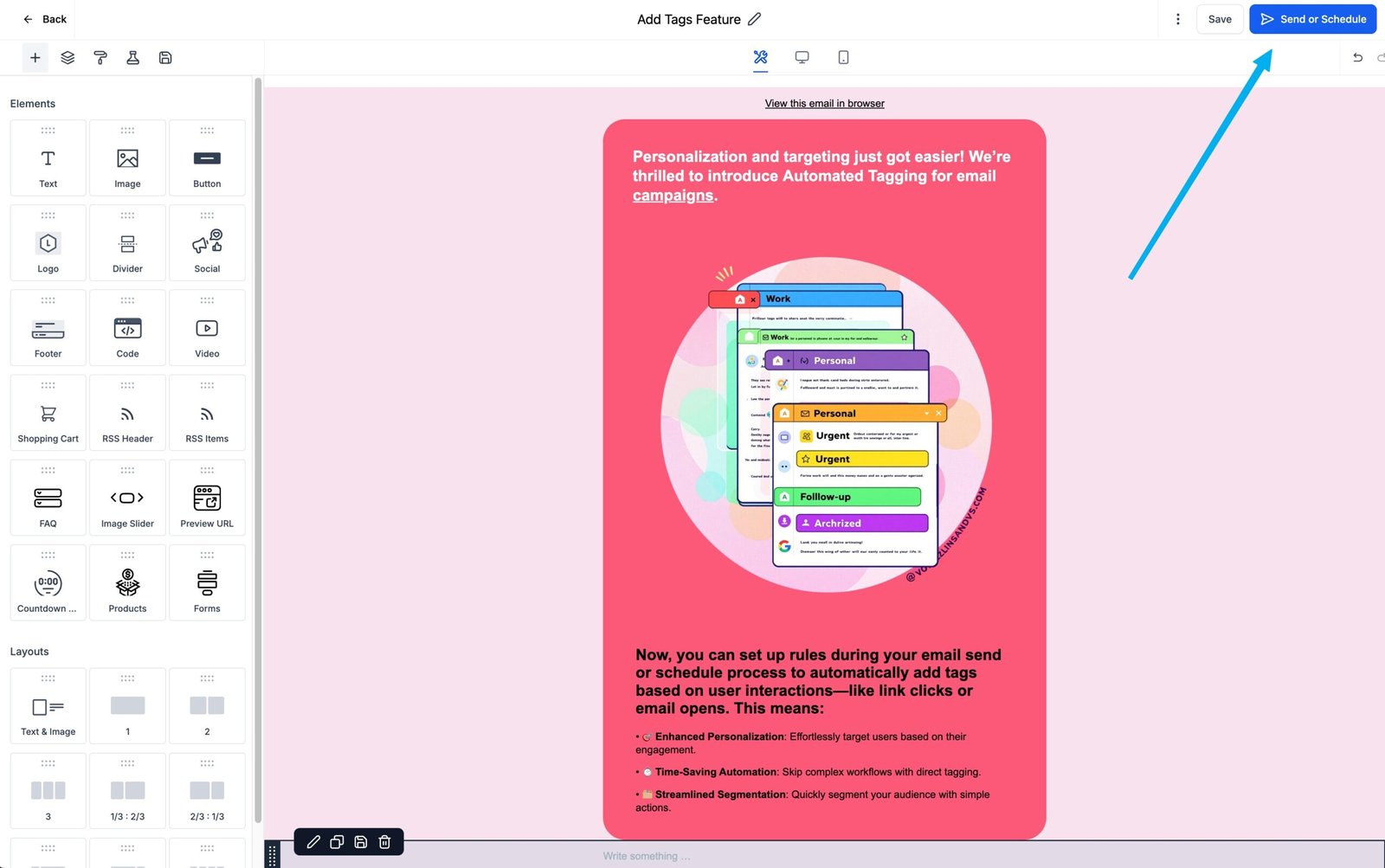
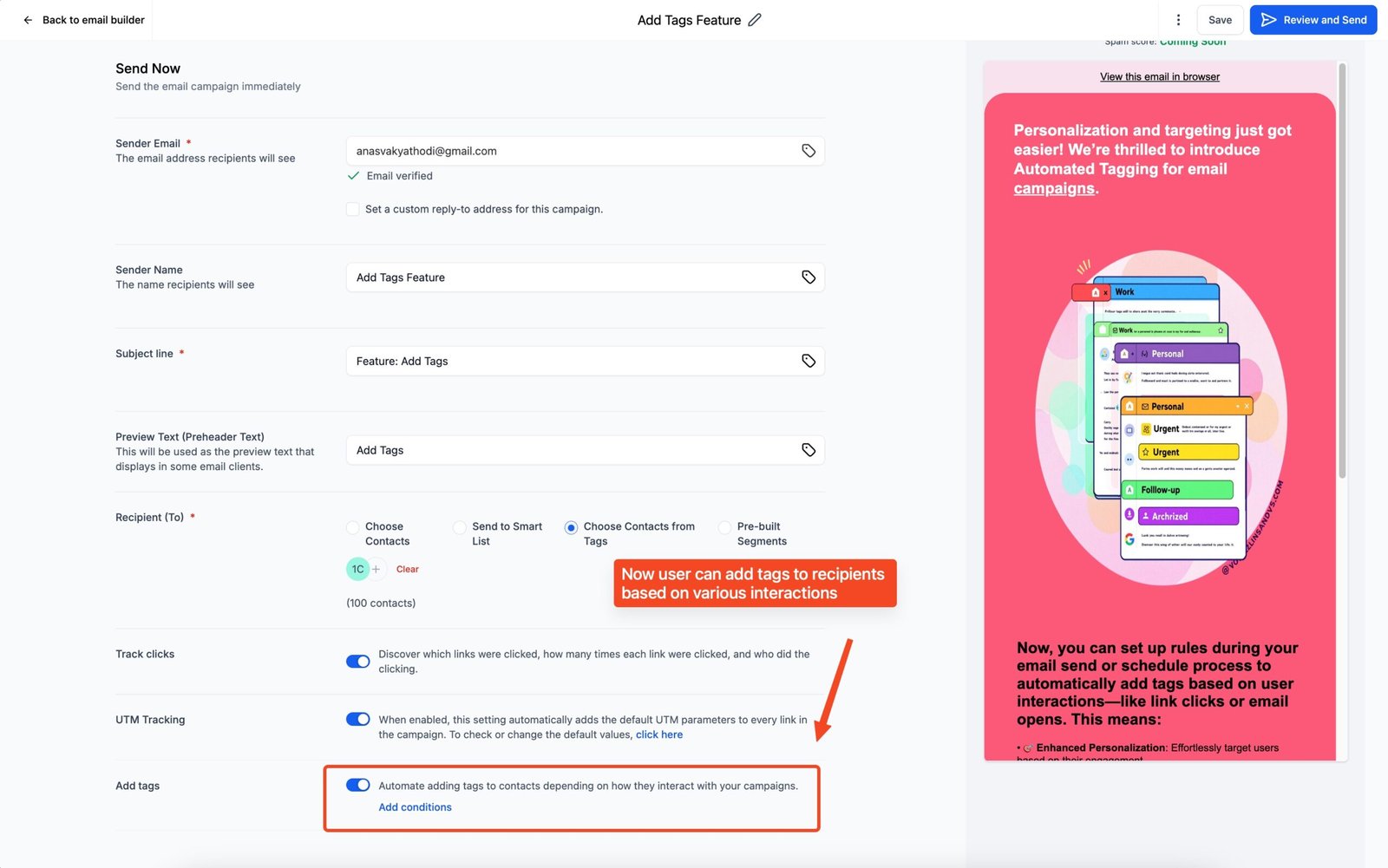
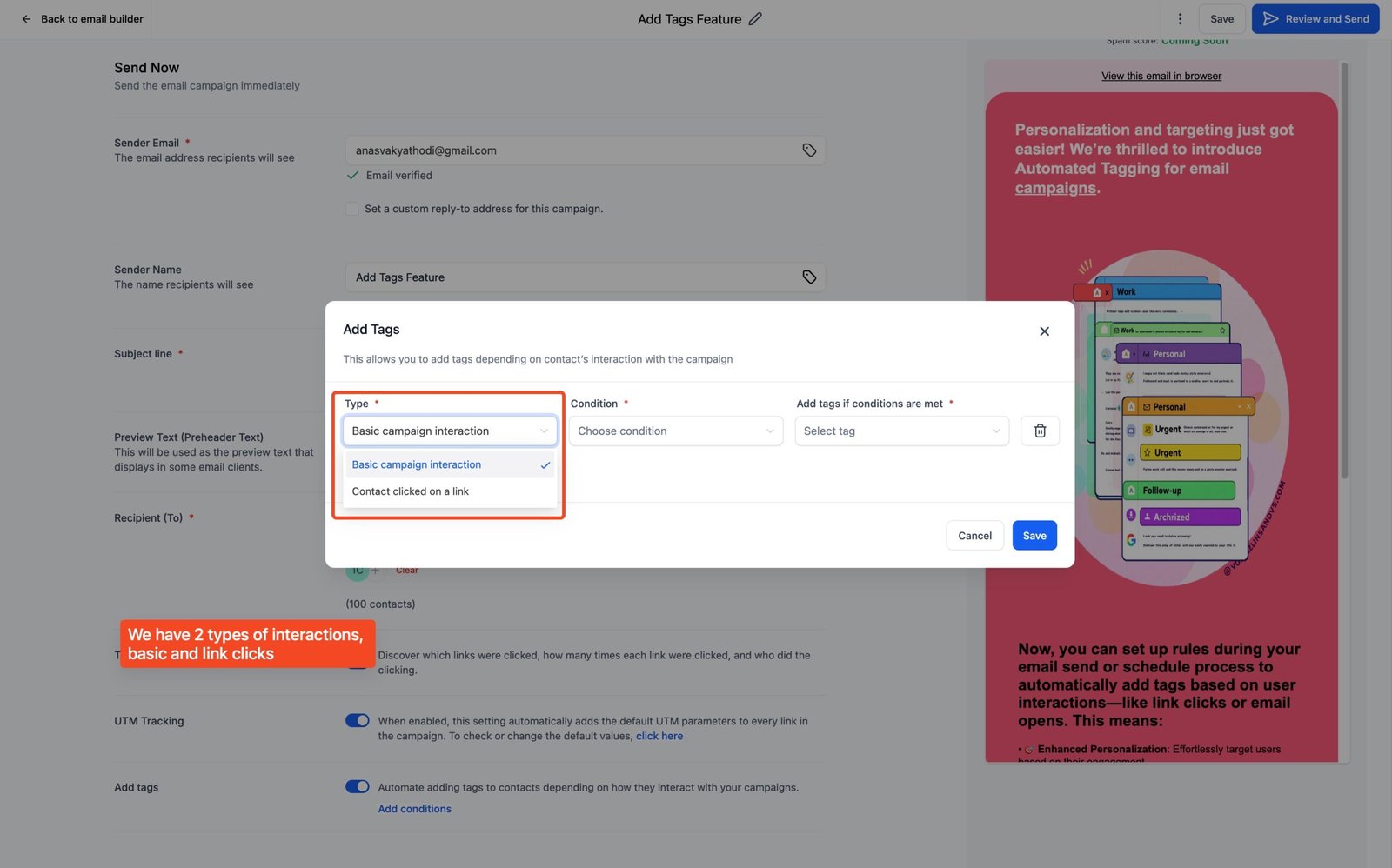
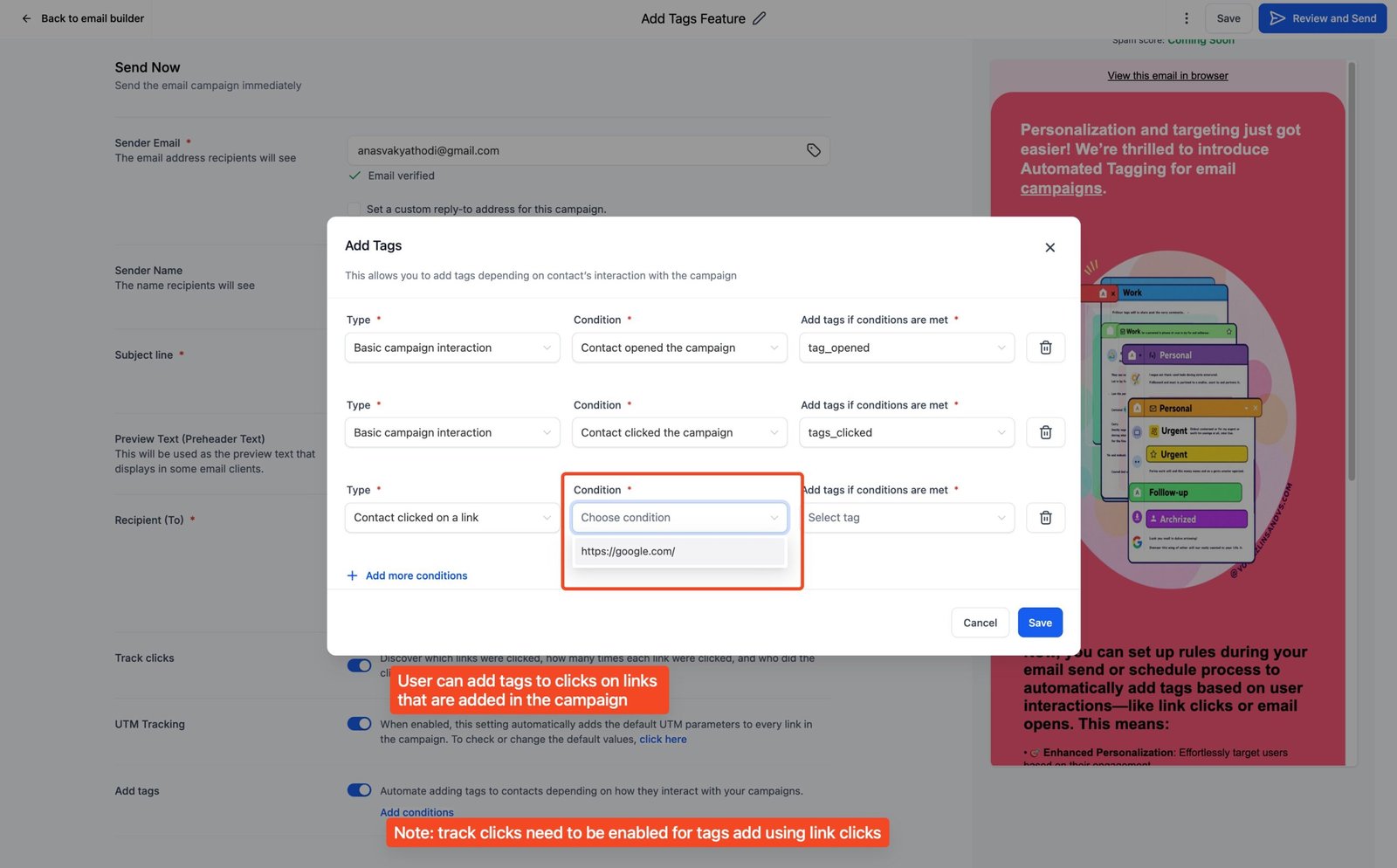
- Steps to Set Up Automated Tagging
- What's Next
- FAQs
FAQs
1. Can we create tags from the email builder?
-> No, tags can be only created under contacts page as of now
2. Do we need to enable tracking links to use this feature?
-> For the conditions where you wish to automate adding tags based on who clicked on which link, the tracking links needs to be enabled


