
Auto populating the existing custom field in forms / Survey using custom HTML/Javscript and later saved in submisison is simple and straightforward.
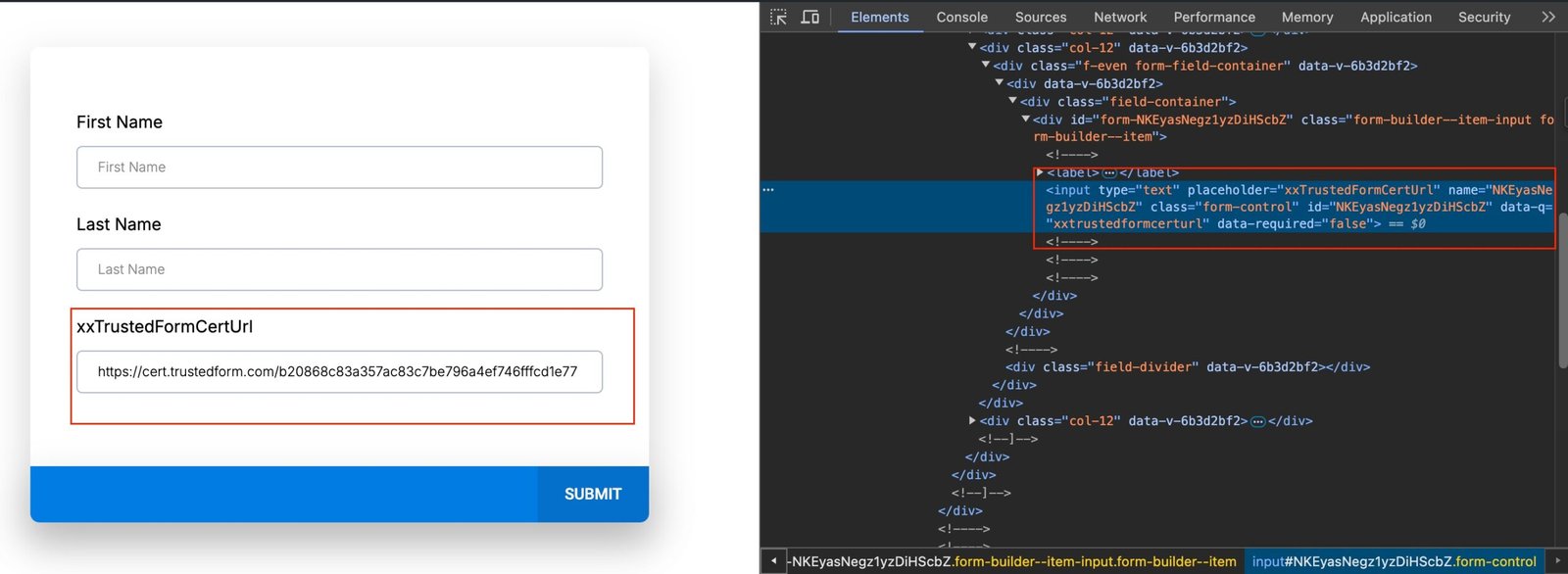
Retrieve the Custom Field ID:
– Go to the Preview of the form.
– Right-click on the page and select ‘Inspect.’
– Select the mouse pointer tool.
– Click on the “Custom Field.”
– Copy the ID from the name and ID properties.
Example:
If you created a custom field named `xxTrustedFormCertUrl`, follow the above steps to get its ID.
Note:
myData is just for example. In the customer custom HTML/Javascript code. Customer have to figure it out where is the captured data and replace the myData 


