Table of Contents
Agency Dashboard for Rebilling
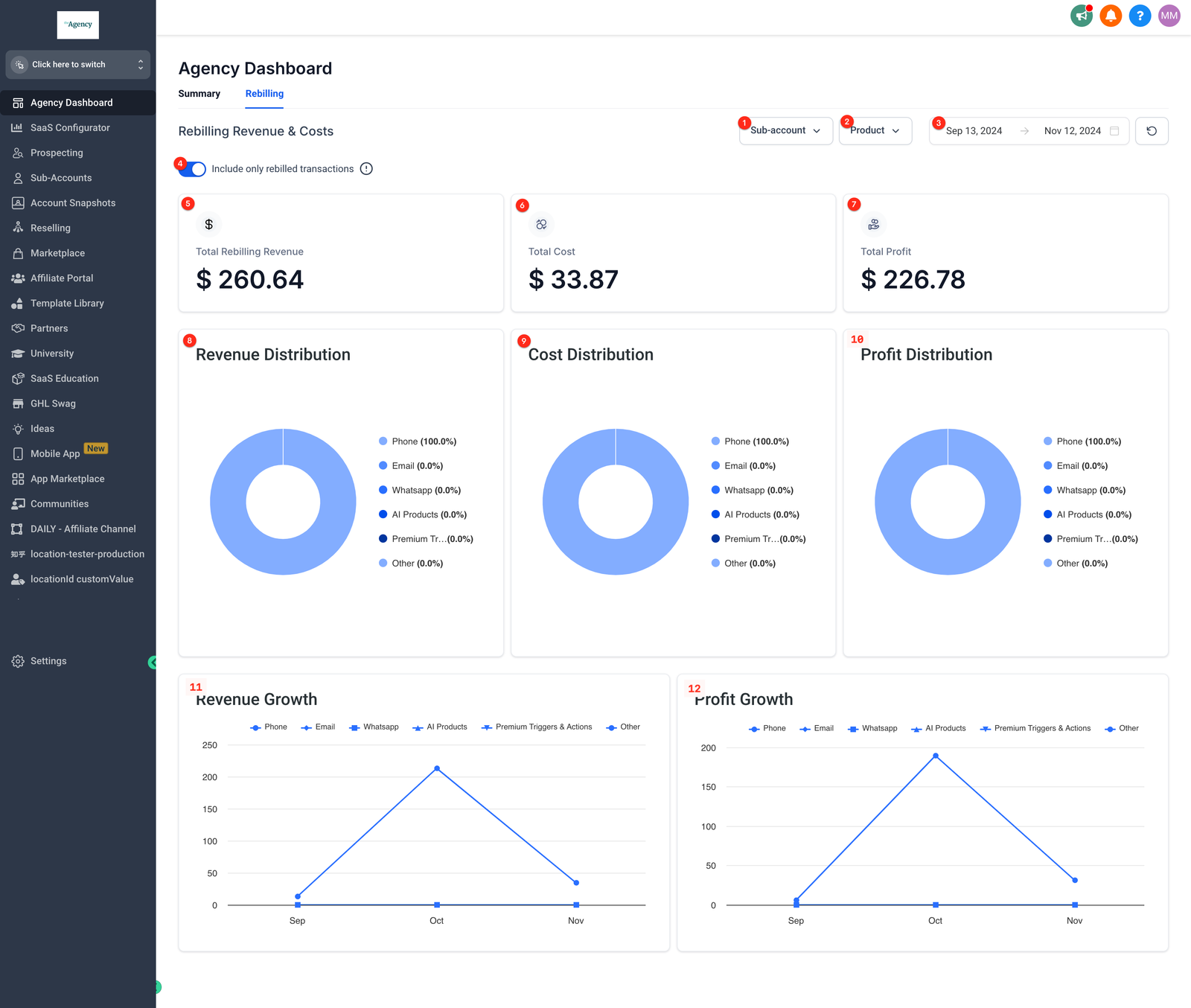
Agencies have clear visibility into their revenue and costs pertaining to Rebilling within HighLevel, which they can slice and dice by each product and each sub-account.
Data is only available in the dashboard for the previous 6 months.
How to use the Rebilling Dashboard
Go to your Agency account and click Agency Dashboard > Rebilling tab.
|
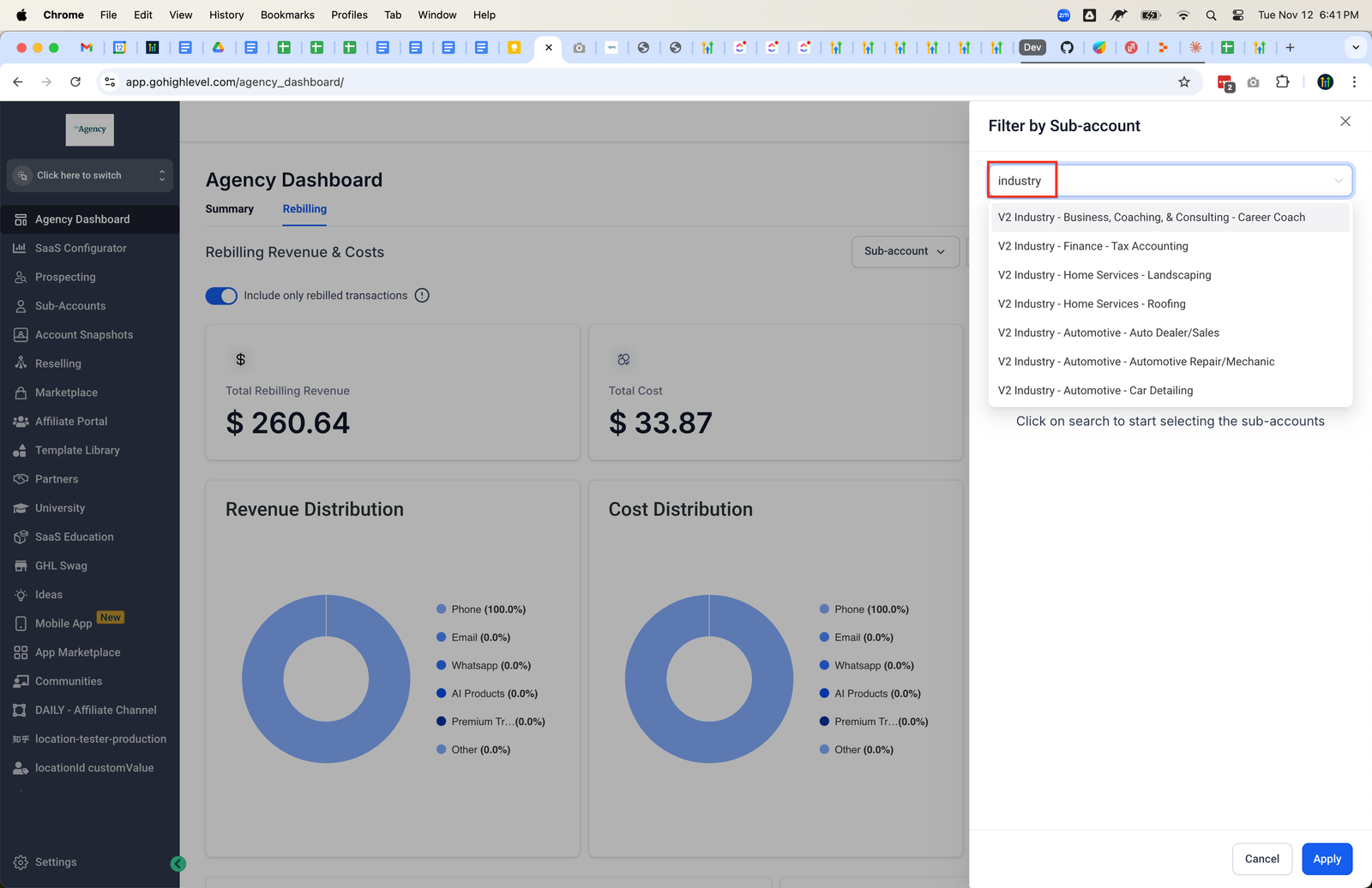
To filter by subaccount, click on the subaccount dropdown and search.
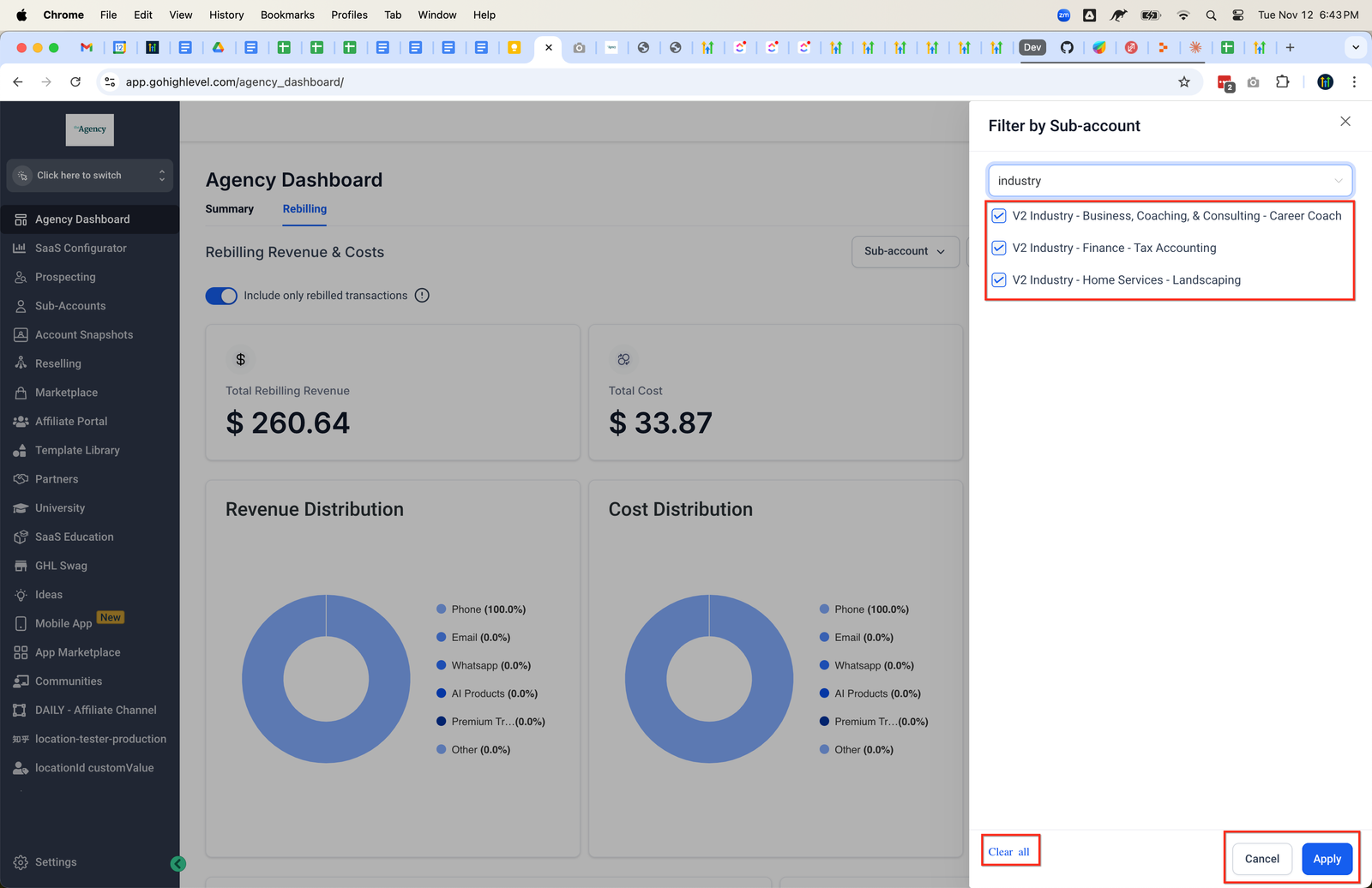
You can select more than one subaccount or clear all. Click apply to return to the dashboard with the filter(s) active.
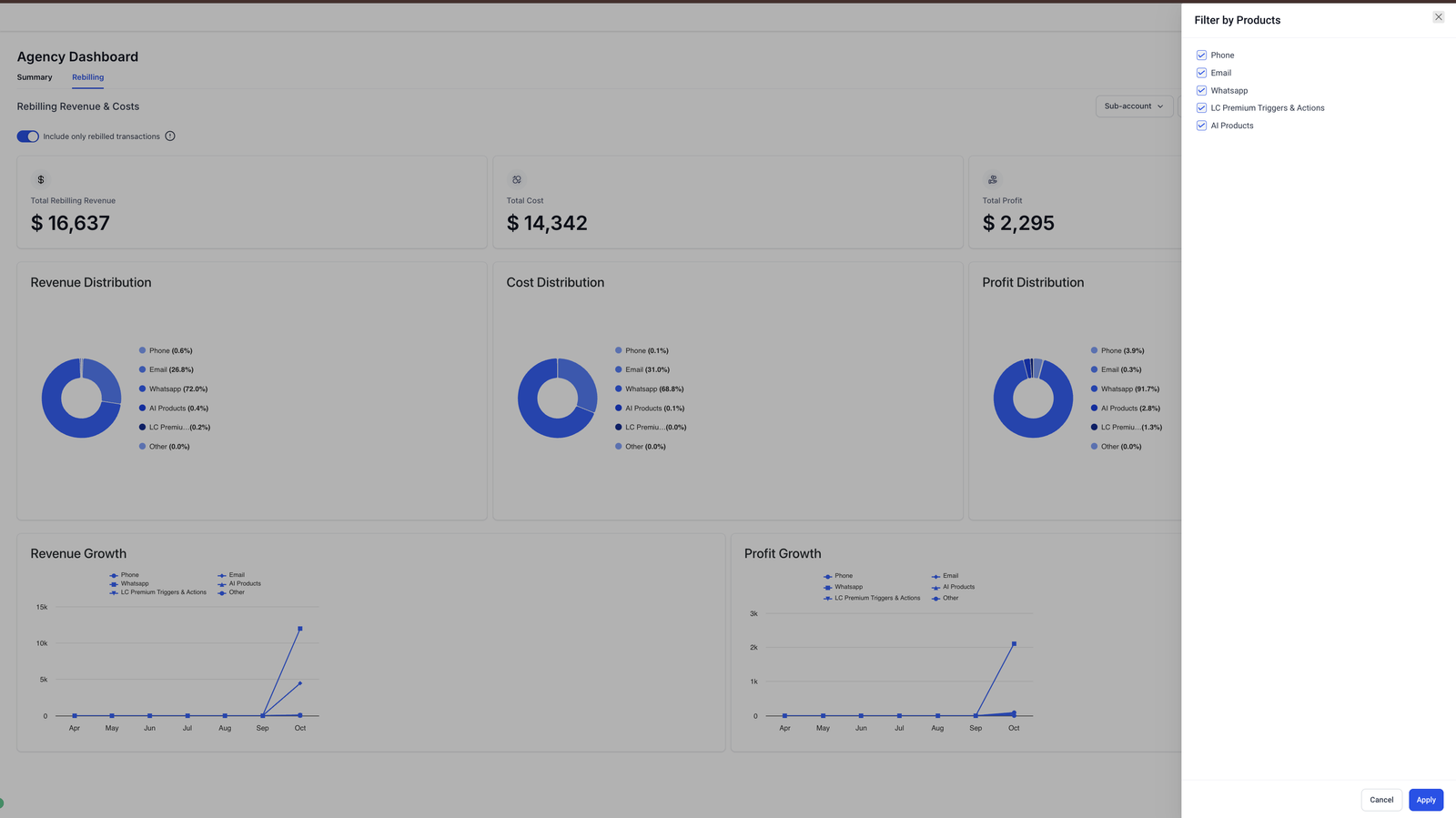
You can filter by products by clicking the Product dropdown.
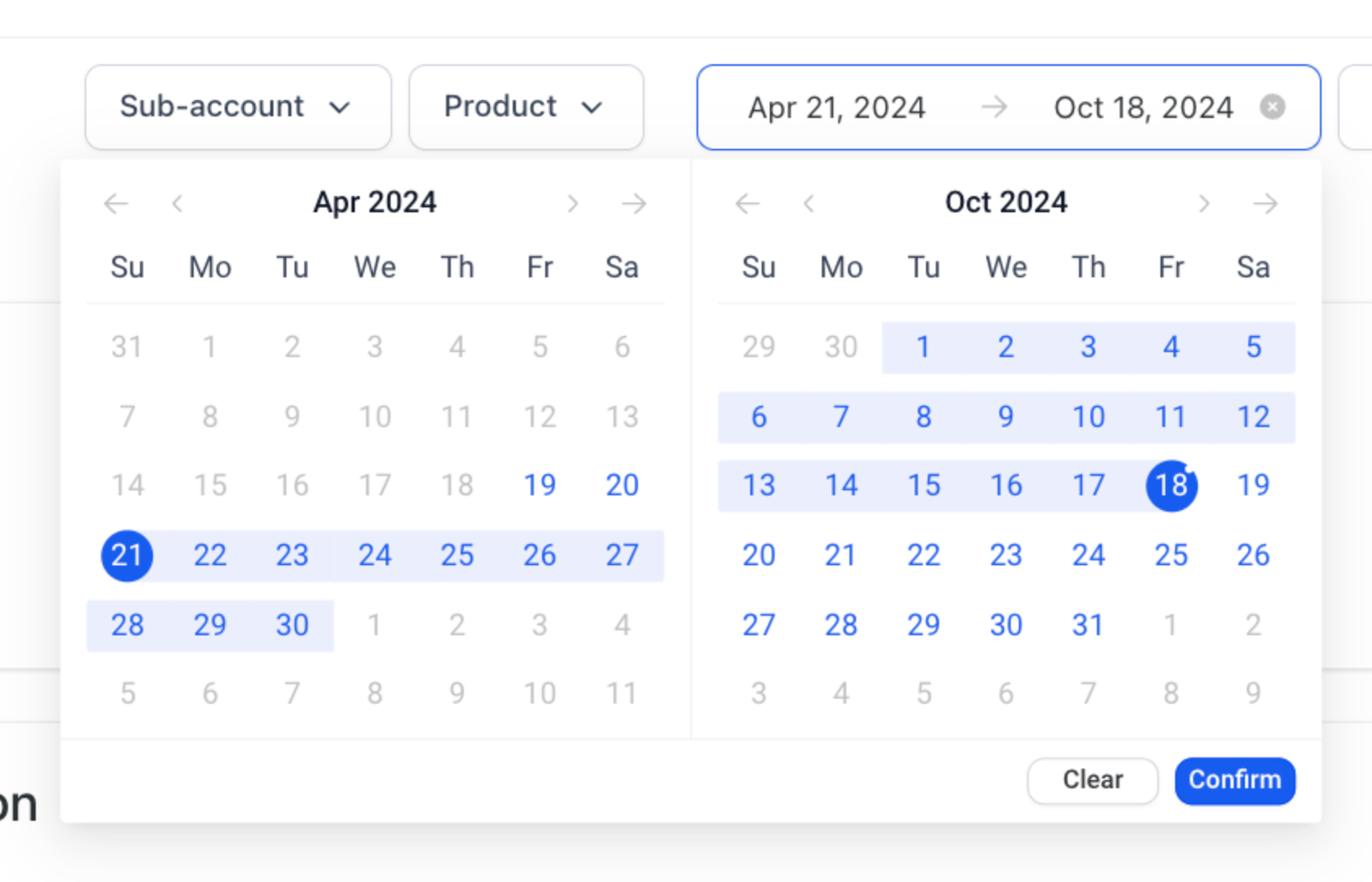
You can also filter by dates using the calendar picker. Click confirm to apply.