
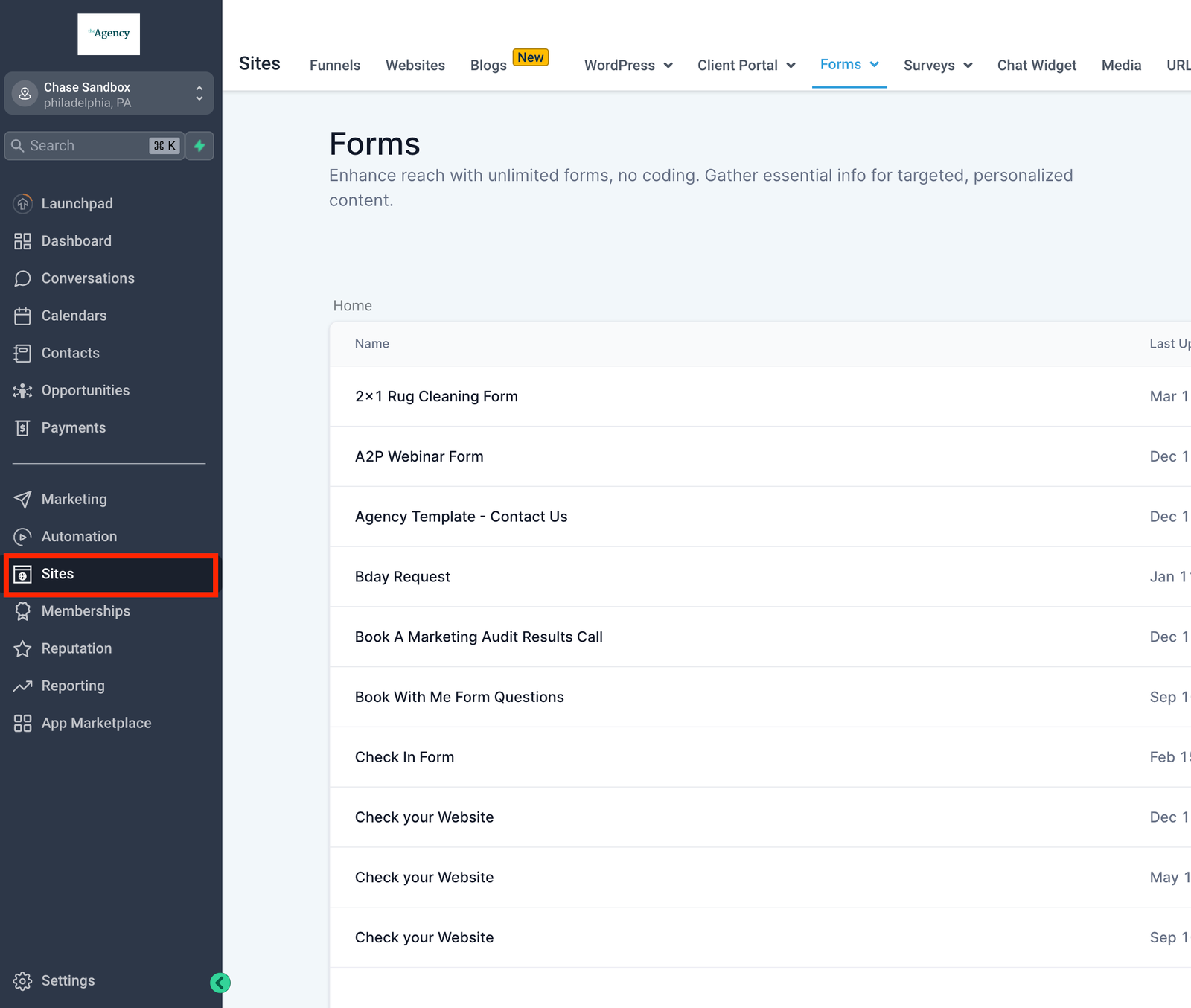
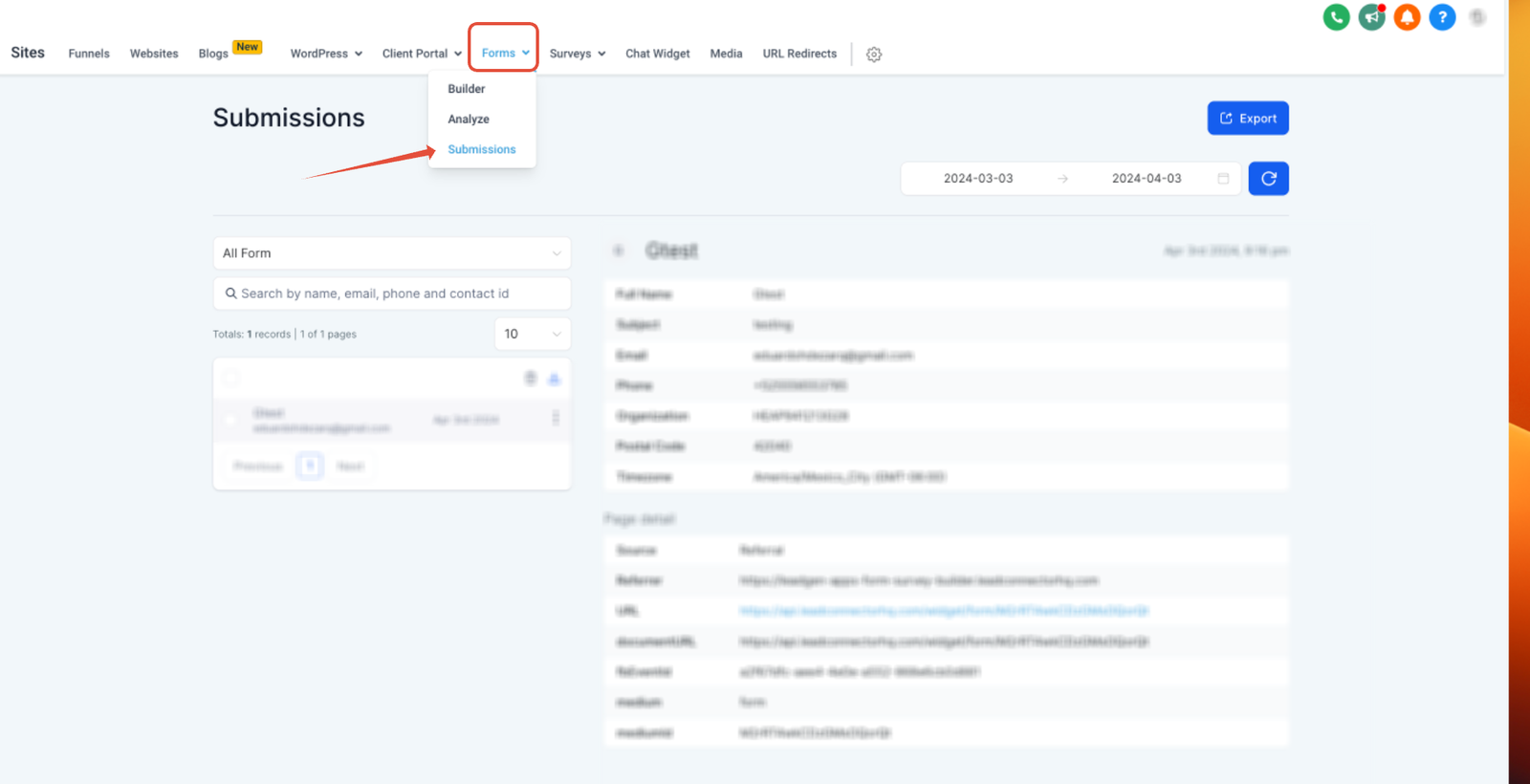
Forms will help you capture information about contacts that fill out and submit the form. In order to view this information, start by navigating to “Sites” > “Forms” (at the top of the screen) > “Submissions” where, you will be able to filter or search through form submissions and view the information that was provided on a particular form submission.
If you are using custom fields on your forms, those will also be shown in the Contact
Details page which you can access by navigating to "Contacts" > (then search or click on any Contact).


